Dominant colors
Cluster the image into a concise, production-friendly palette.
Extract a practical color palette from an image, inspect HEX values, and copy colors into your game workflow.
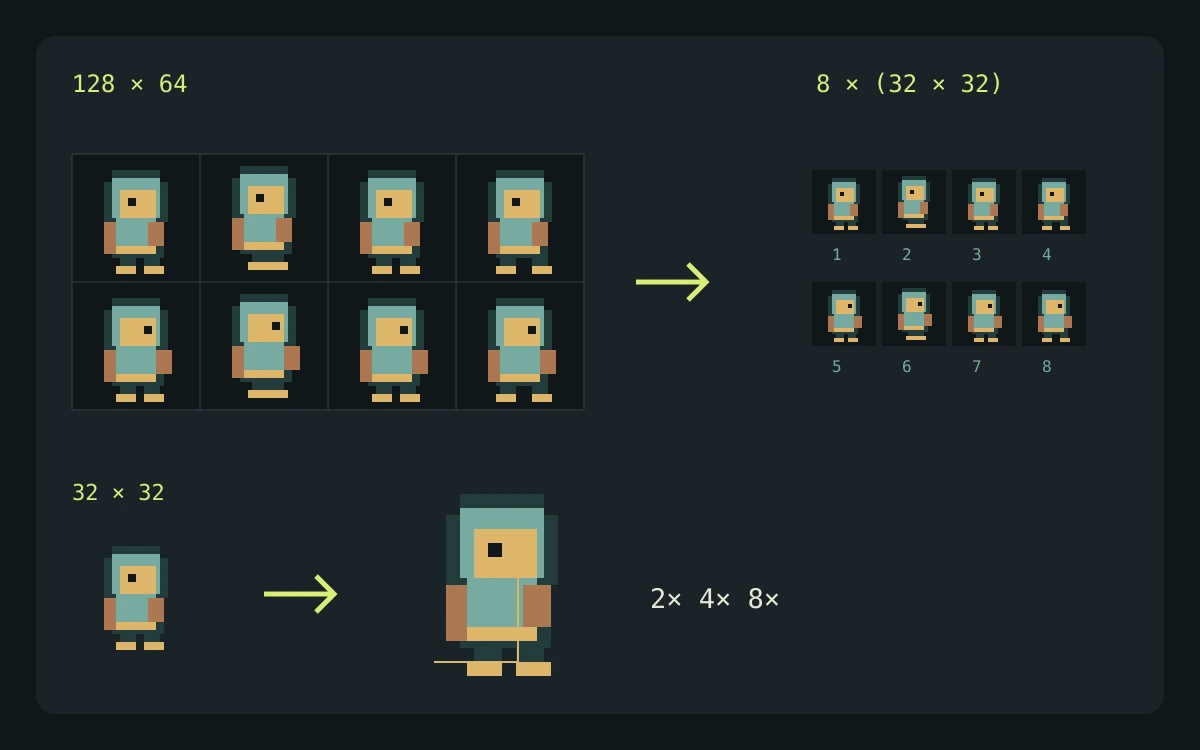
It samples the image locally, groups nearby RGB values, and ranks the most frequent buckets so you can lock a production palette.
This utility runs in your browser. Your files stay on your device and no generation credits are used.
The utility runs locally. Your artwork is not uploaded and no credits are used.
Explore gameplay, handheld use, and coordinated designs. These AI-generated concepts illustrate visual possibilities; review your own assets and engine imports before shipping.
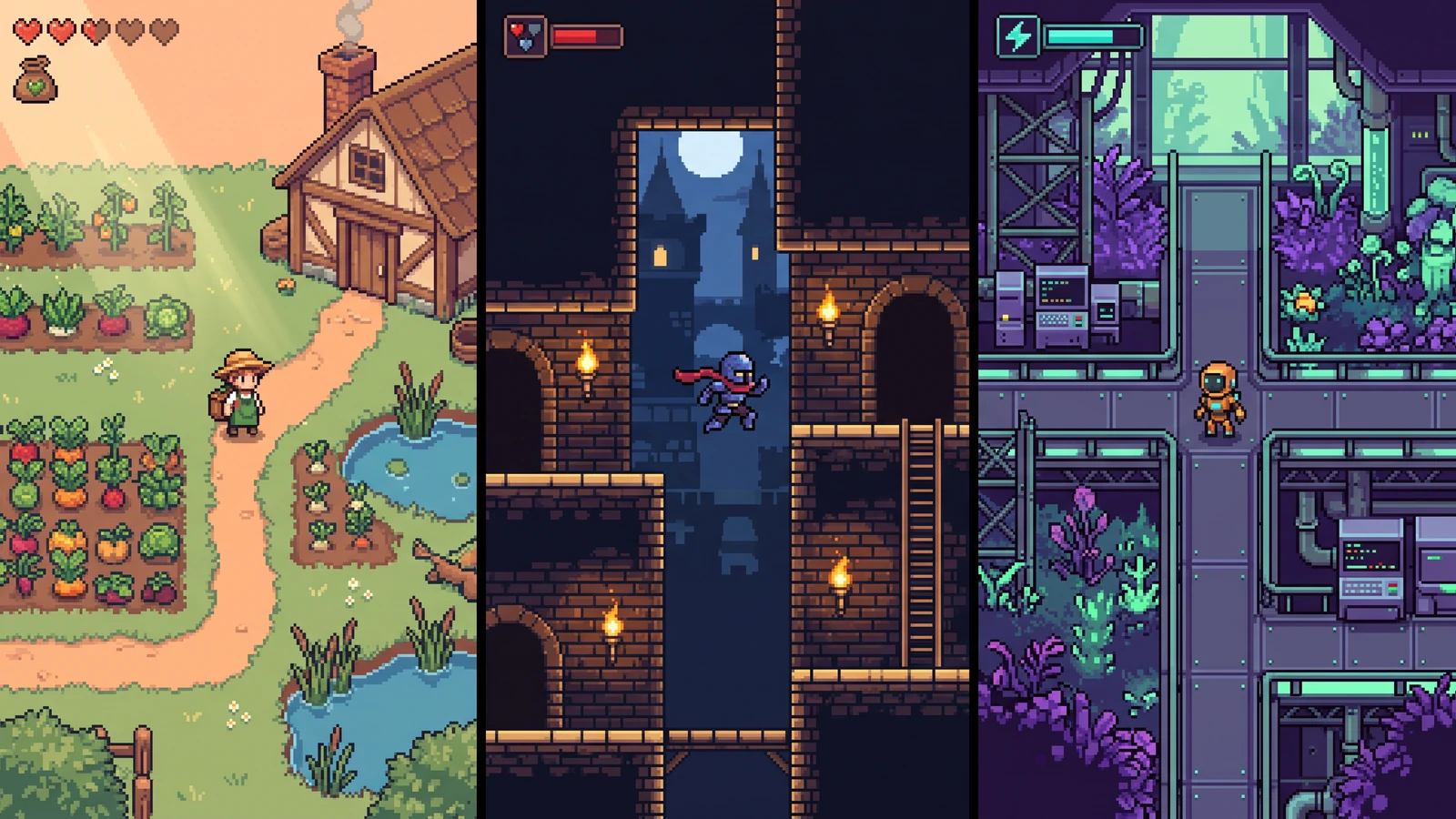
Compare different character designs inside the game worlds they are designed for.
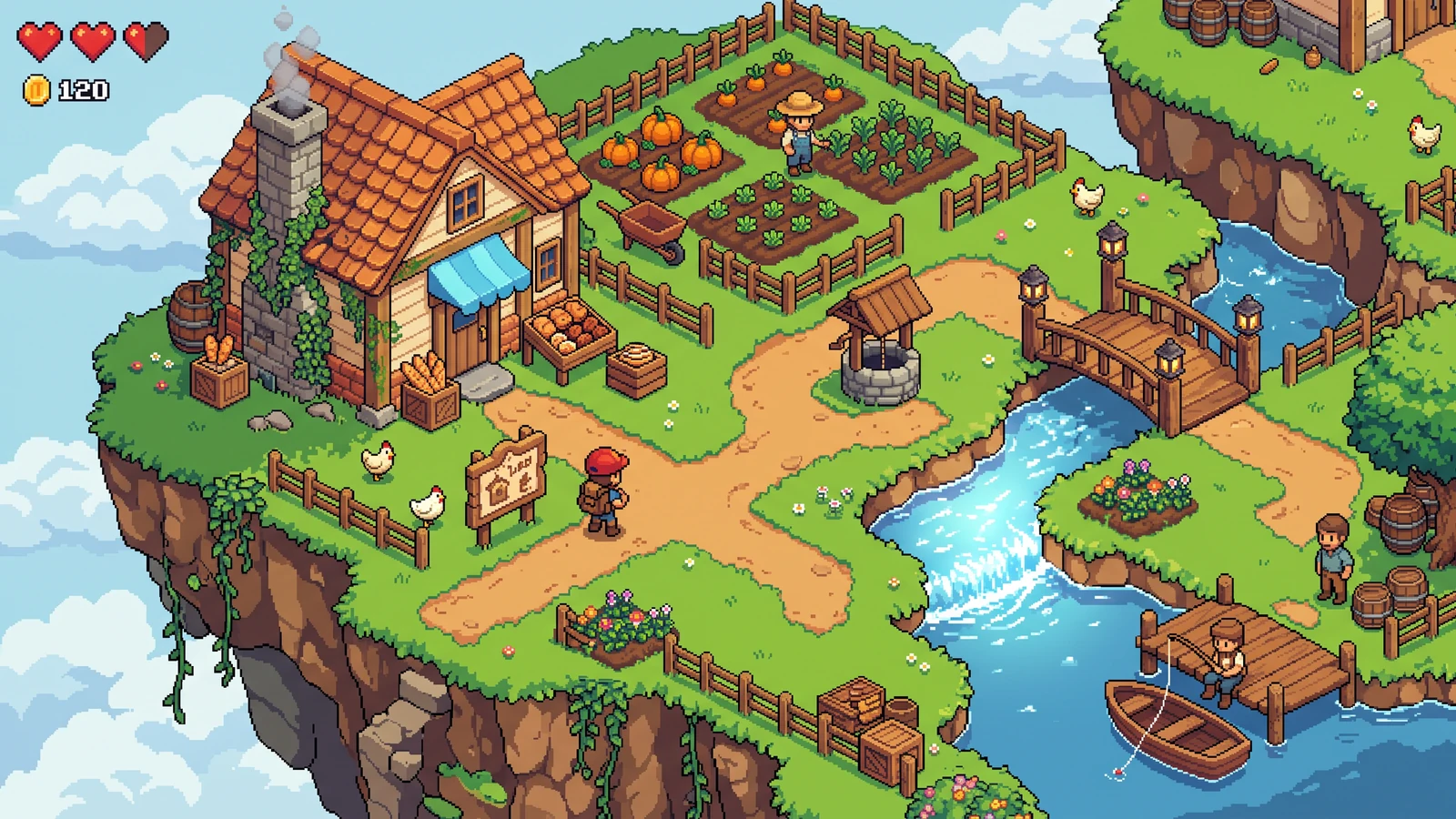
See how paths, tile boundaries, buildings, and props form one readable game environment.
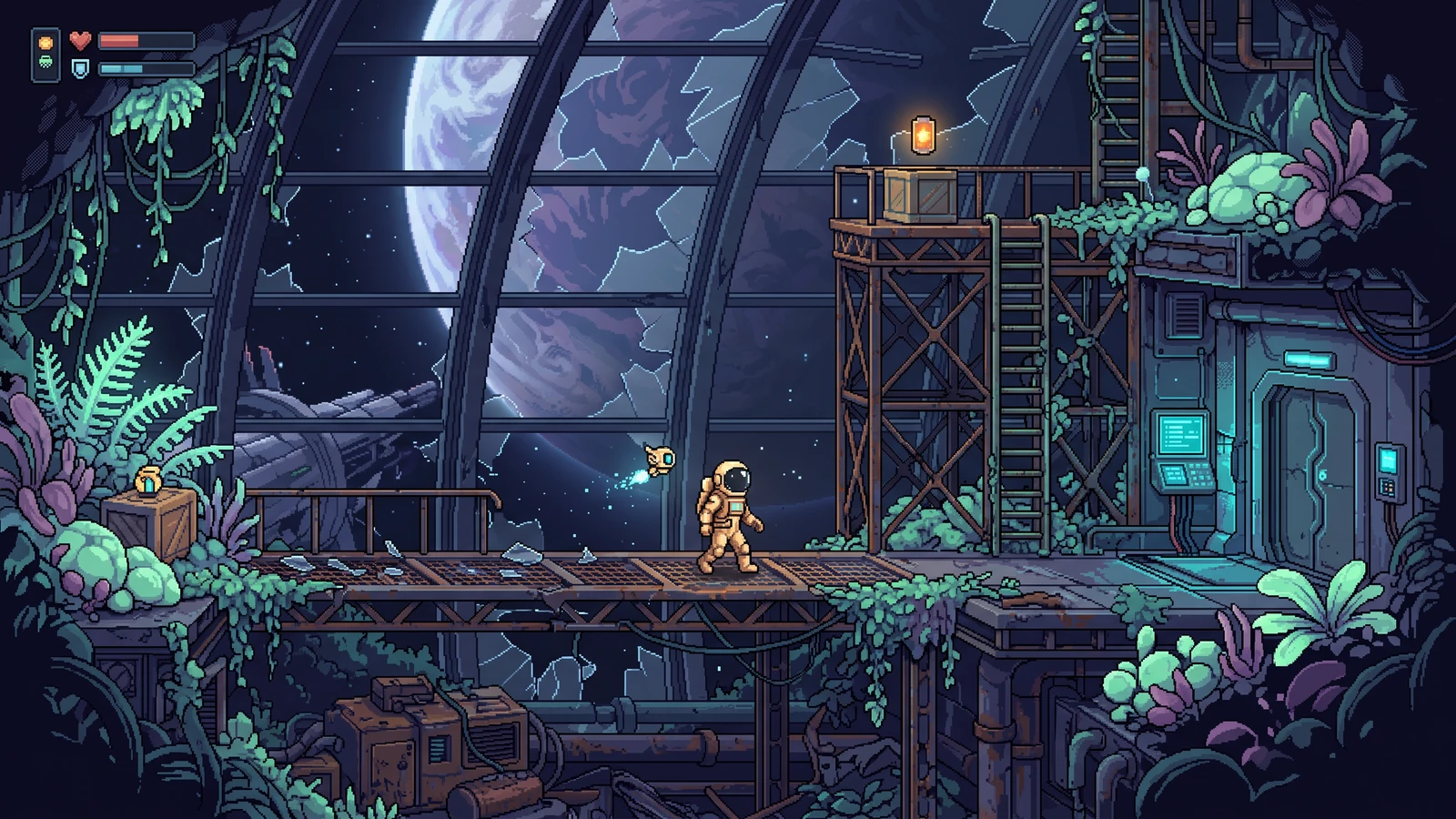
Explore a different genre while keeping character proportions, lighting, and interface language coherent.
Use a concrete input, inspect the output, and check the current limits before choosing your next step.
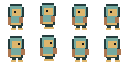
Use the transparent demo sheet and select an eight-color palette target.
A list of frequently sampled RGB color buckets and a PNG swatch strip. Fewer swatches can appear when the source contains fewer sampled color groups.
The browser samples a 96 × 96 version and rounds RGB values into buckets. Returned swatches approximate dominant colors; they are not an exact inventory of every original pixel color.
Check the engine or editor documentation when preparing your own import. These sources describe file and playback behavior, not an endorsement of PixelBox.
Content updated:
Published and maintained by LlamaGen. This page describes current PixelBox controls and export formats. Contact the team about incorrect information or an export problem.
Cluster the image into a concise, production-friendly palette.
Copy HEX values or export a portable palette strip.
Keep the HEX values or exported strip beside your art as a reference for later edits and generation prompts.
Upload a screenshot, mood board, sprite, or illustration.
Choose how many dominant colors the final palette should contain.
Copy individual HEX values or download the full strip.
The browser samples the image, groups nearby RGB values, and ranks the most frequent color buckets.
No. Palette extraction happens locally in your browser.
You can copy the HEX values into a prompt or use the downloaded strip as a reference. This utility does not save a project Style Lock or enforce exact colors in AI output.