Fast blocking
Paint terrain, paths, water, trees, and landmarks on a readable grid.
Paint a browser-based tilemap, block out routes and encounters, then export a clean map preview.
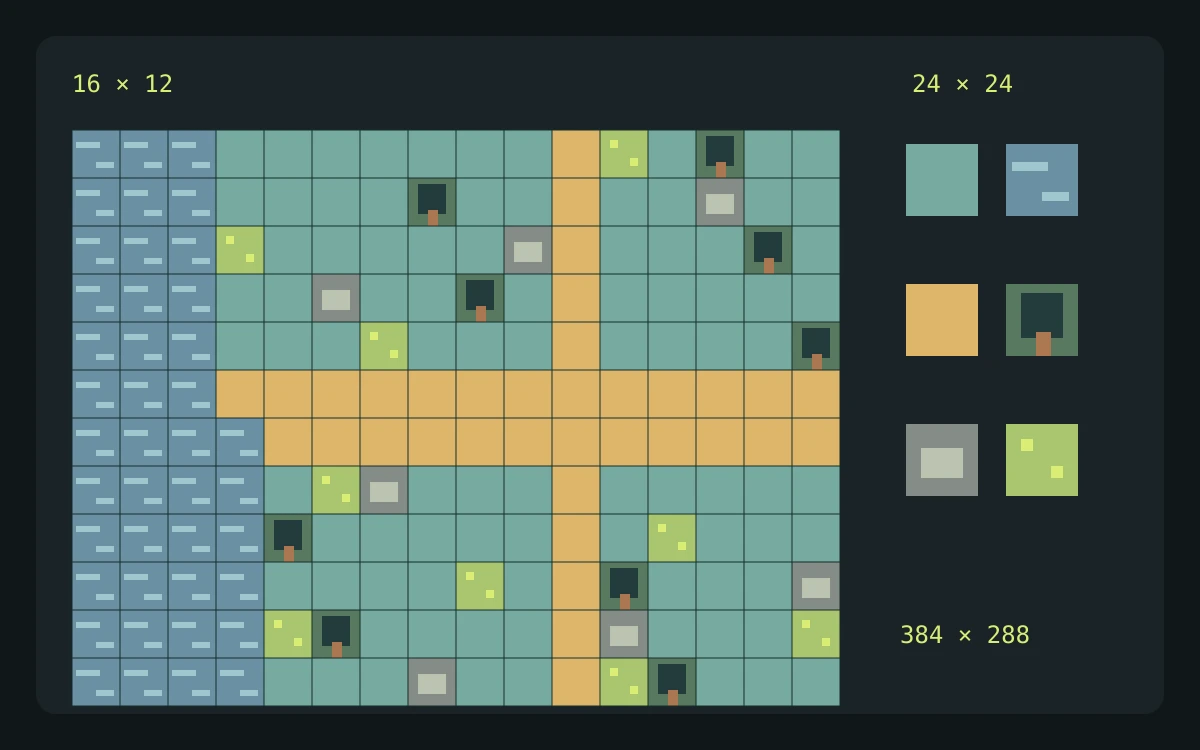
Yes. The browser grid, terrain palette, and PNG export are free. Custom tiles and engine map data stay on the Studio roadmap.
This utility runs in your browser. Your files stay on your device and no generation credits are used.
Explore gameplay, handheld use, and coordinated designs. These AI-generated concepts illustrate visual possibilities; review your own assets and engine imports before shipping.
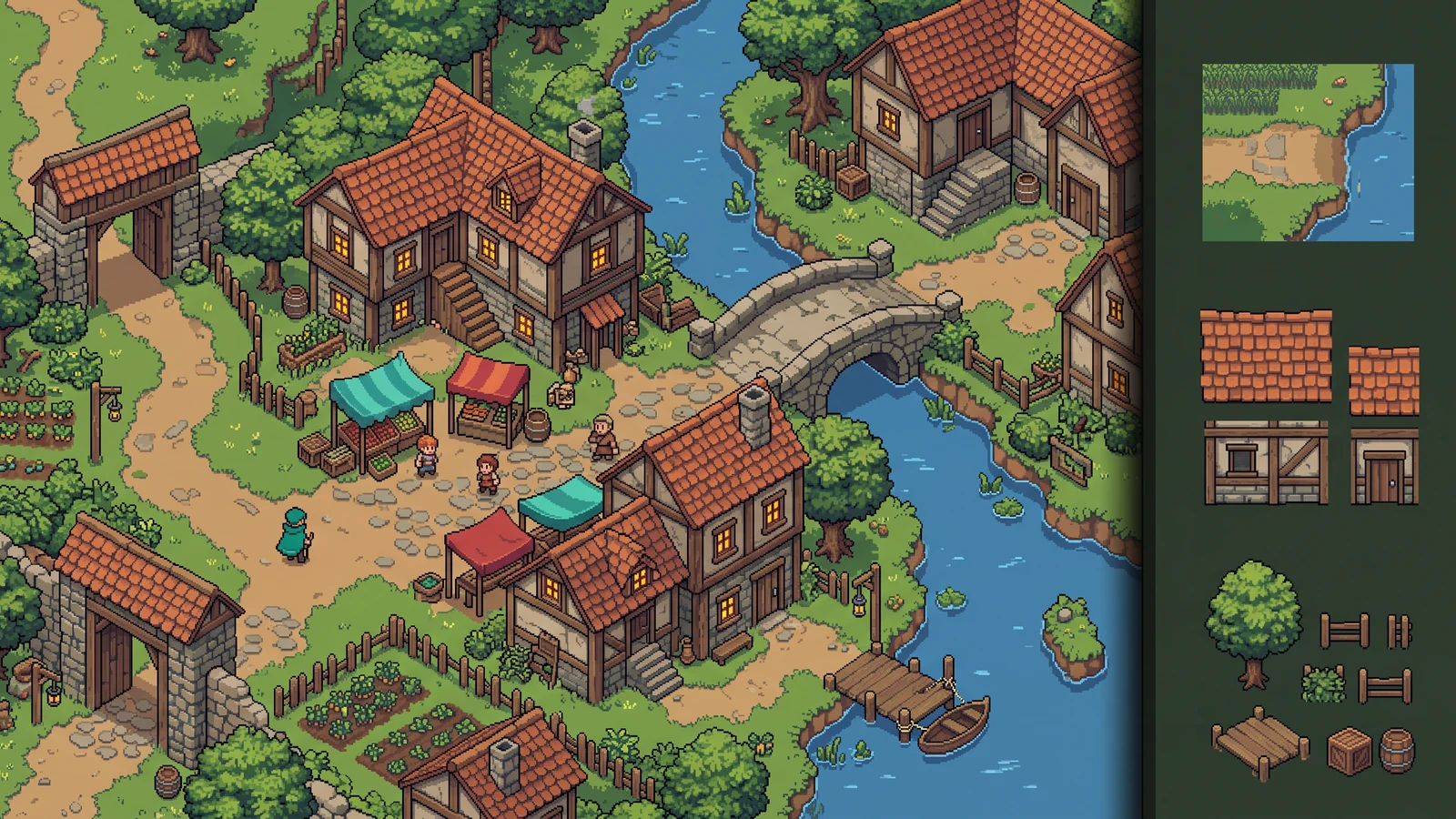
Review how terrain, buildings, and props work together as an inhabited level.
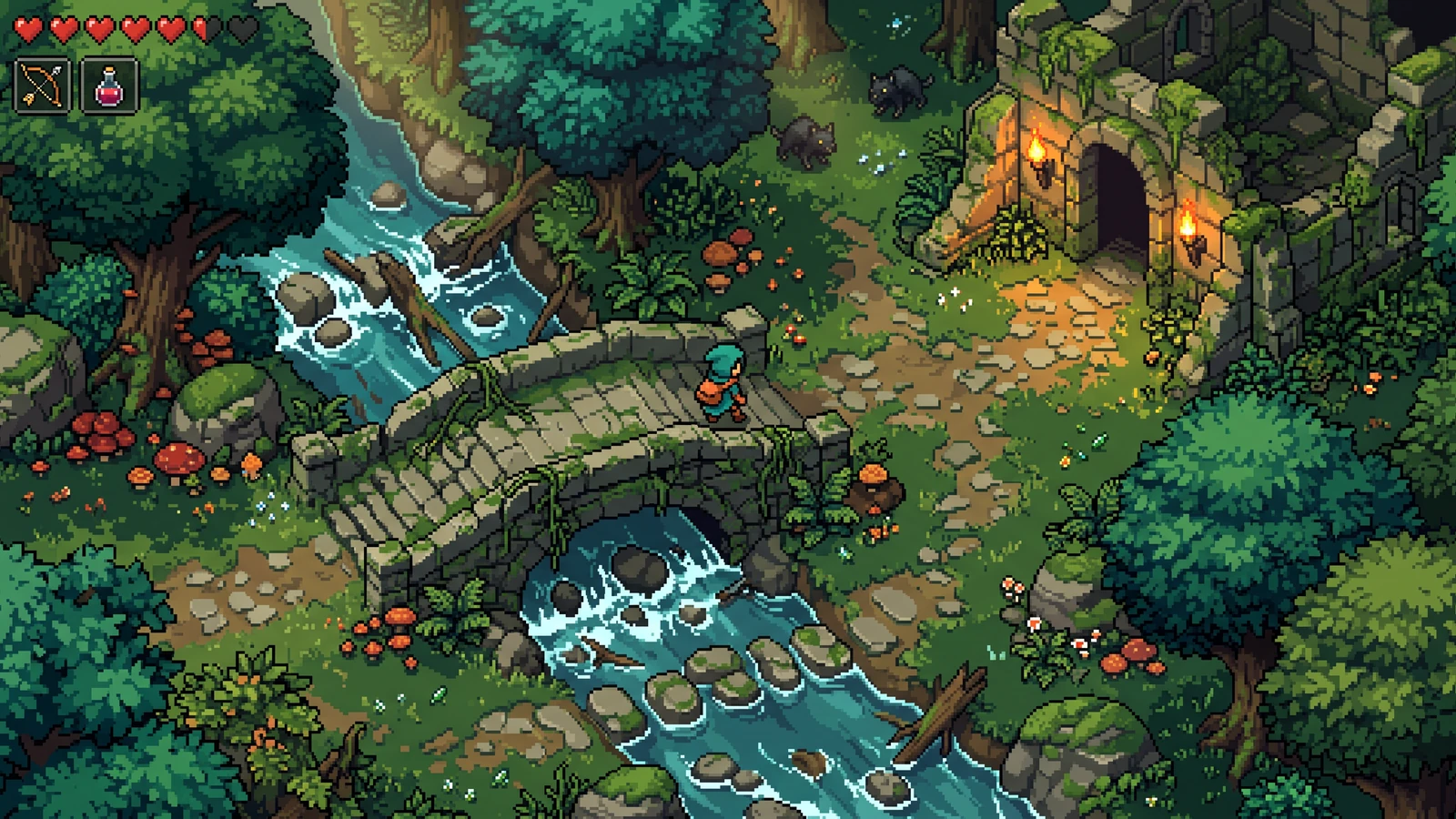
Judge the character silhouette, terrain scale, and interface together at gameplay size.
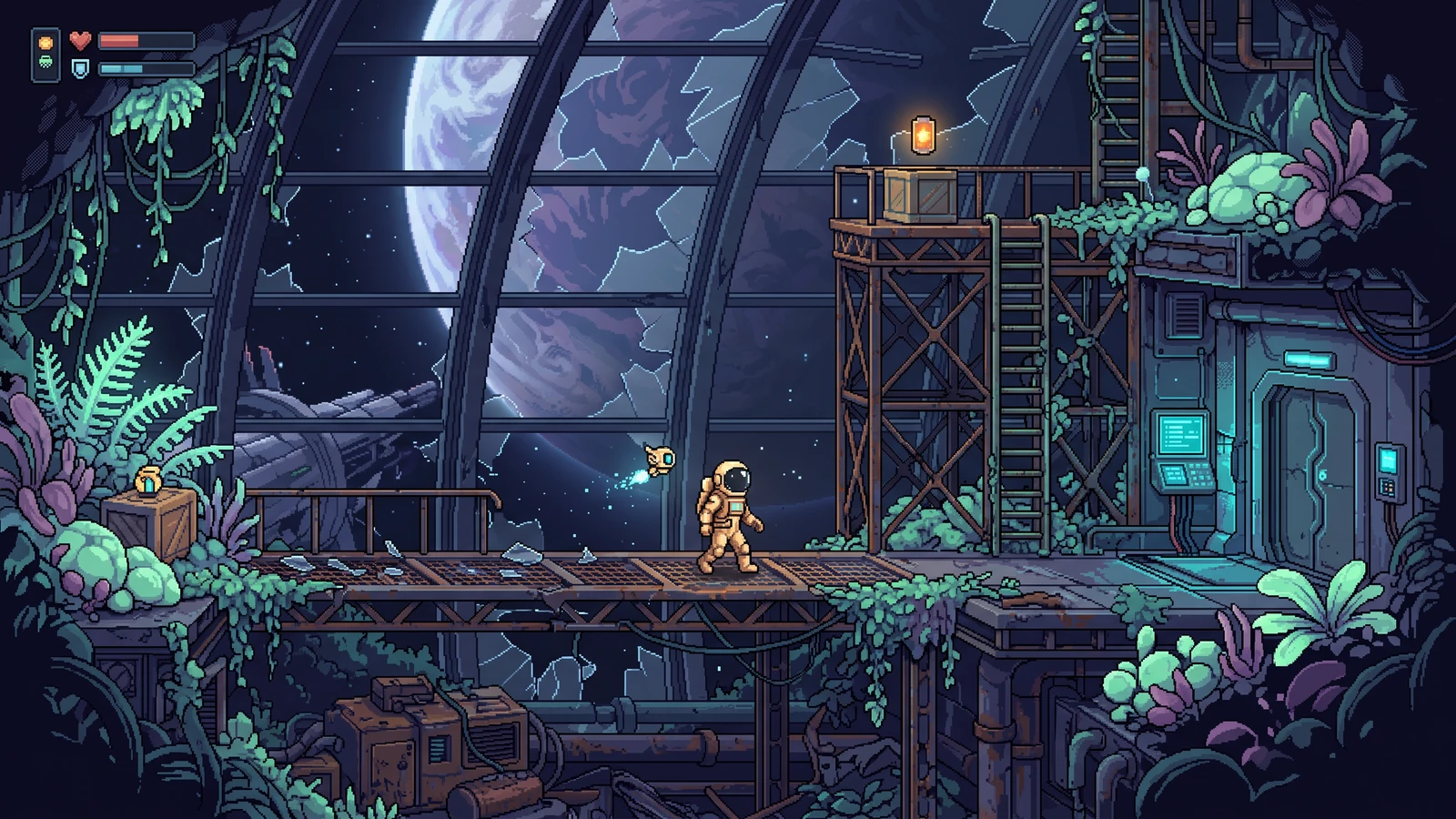
Explore a different genre while keeping character proportions, lighting, and interface language coherent.
Use a concrete input, inspect the output, and check the current limits before choosing your next step.
Start with the built-in 16 × 12 grid. Choose grass, water, path, tree, rock, or flower from the tile palette.
The free canvas exports a 384 × 288 PNG: 16 × 12 cells with 24 pixels per cell.
This canvas exports a flat image, not collision, object layers, Tiled map data, or engine scene files. Custom tiles and persistent multi-map projects are not provided by this free canvas.
Check the engine or editor documentation when preparing your own import. These sources describe file and playback behavior, not an endorsement of PixelBox.
Content updated:
Published and maintained by LlamaGen. This page describes current PixelBox controls and export formats. Contact the team about incorrect information or an export problem.
Paint terrain, paths, water, trees, and landmarks on a readable grid.
Start designing a map immediately in the browser.
Export the 16×12 layout as a 384×288 PNG reference for rebuilding your level in a game engine.
Select grass, water, path, tree, rock, or flowers.
Click or drag across the map to block out the scene.
Download the current layout as a PNG planning reference.
Yes. The basic browser map canvas is free and does not require an account.
This canvas uses the built-in tile palette. Custom tile uploads and saved multi-map projects are not available here yet.
The map maker exports a PNG reference, not an editable engine map. Tiled, Godot, and Unity map-data exports are not available yet.