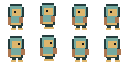
Real pixel grid
Reduce the source to a small canvas, then enlarge without smoothing.
Convert a photo or illustration into a low-resolution grid with approximate RGB color reduction and crisp PNG enlargement.
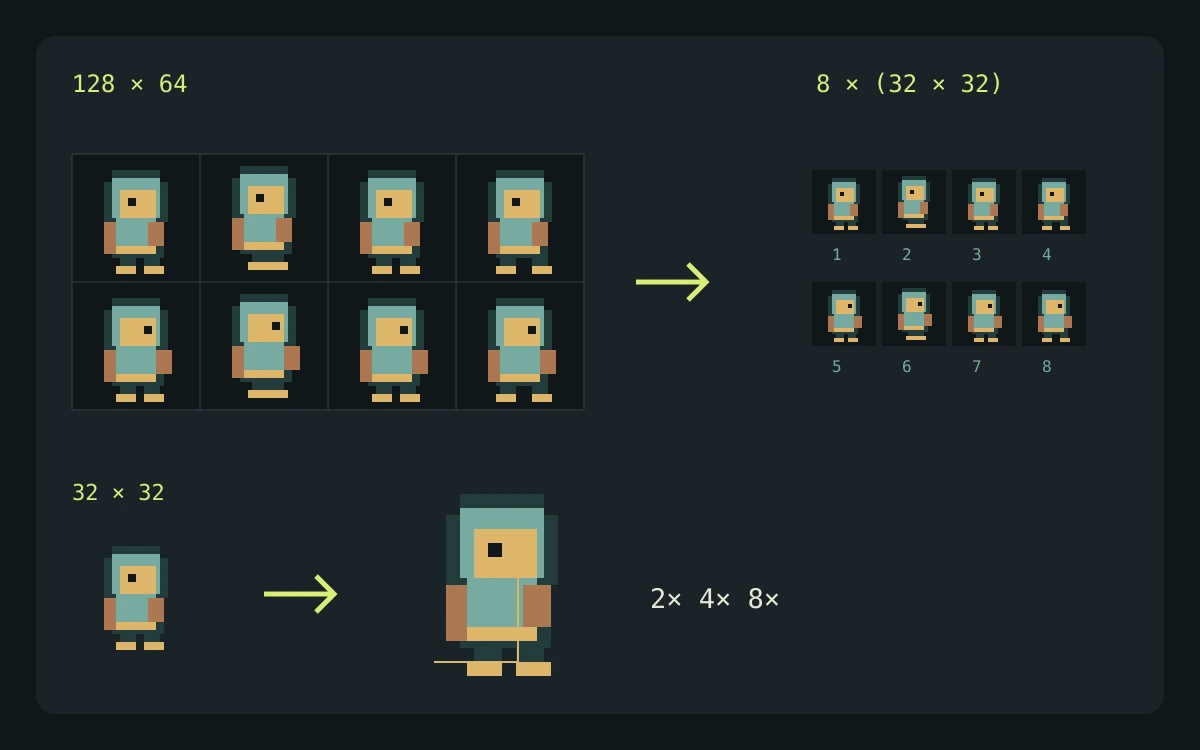
It redraws the source on a smaller grid, reduces RGB channel levels, then enlarges with nearest-neighbor scaling. The color target is approximate and does not guarantee an exact palette size; manual cleanup may still help.
This utility runs in your browser. Your files stay on your device and no generation credits are used.
The utility runs locally. Your artwork is not uploaded and no credits are used.
Explore gameplay, handheld use, and coordinated designs. These AI-generated concepts illustrate visual possibilities; review your own assets and engine imports before shipping.
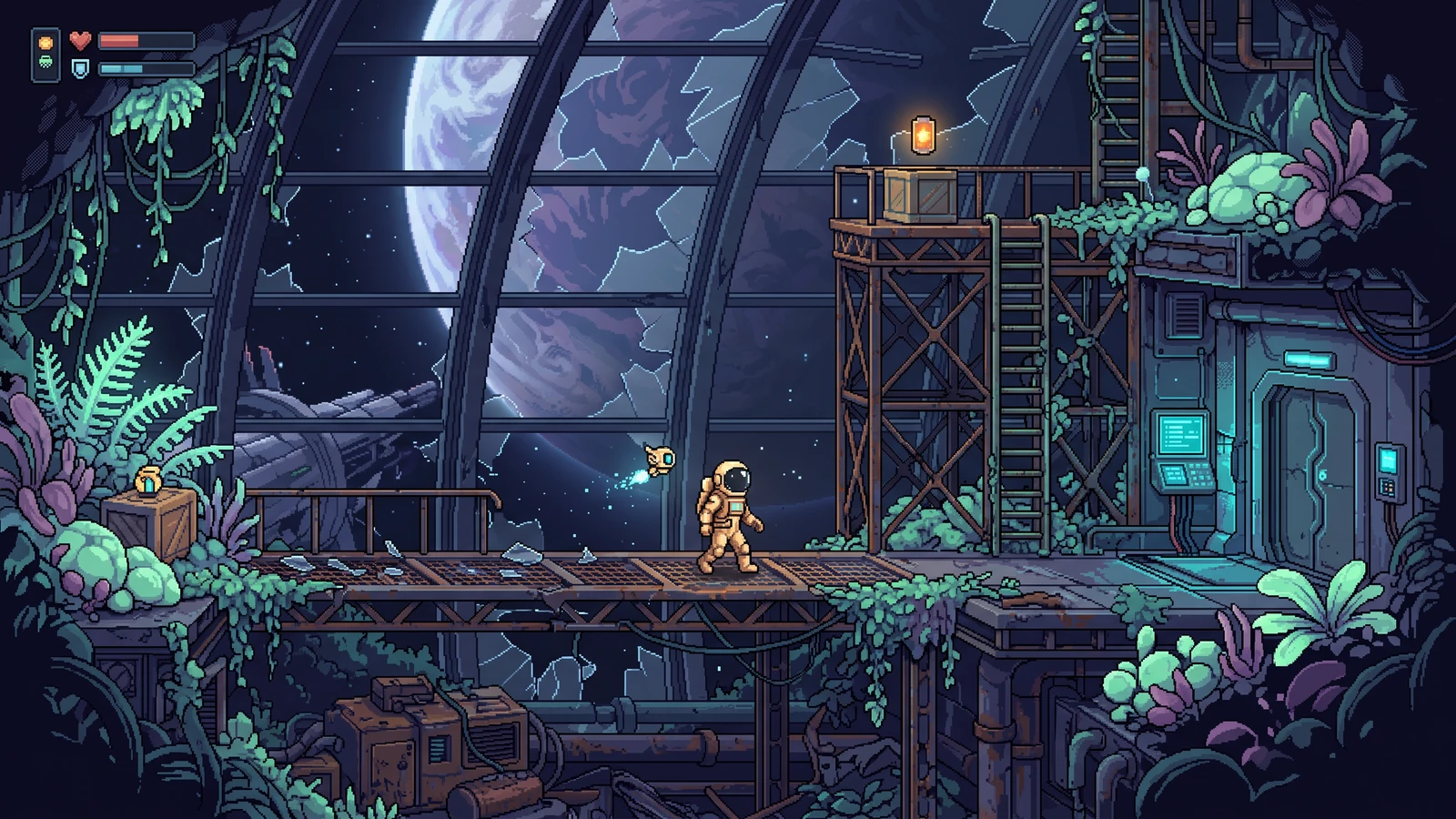
Explore a different genre while keeping character proportions, lighting, and interface language coherent.
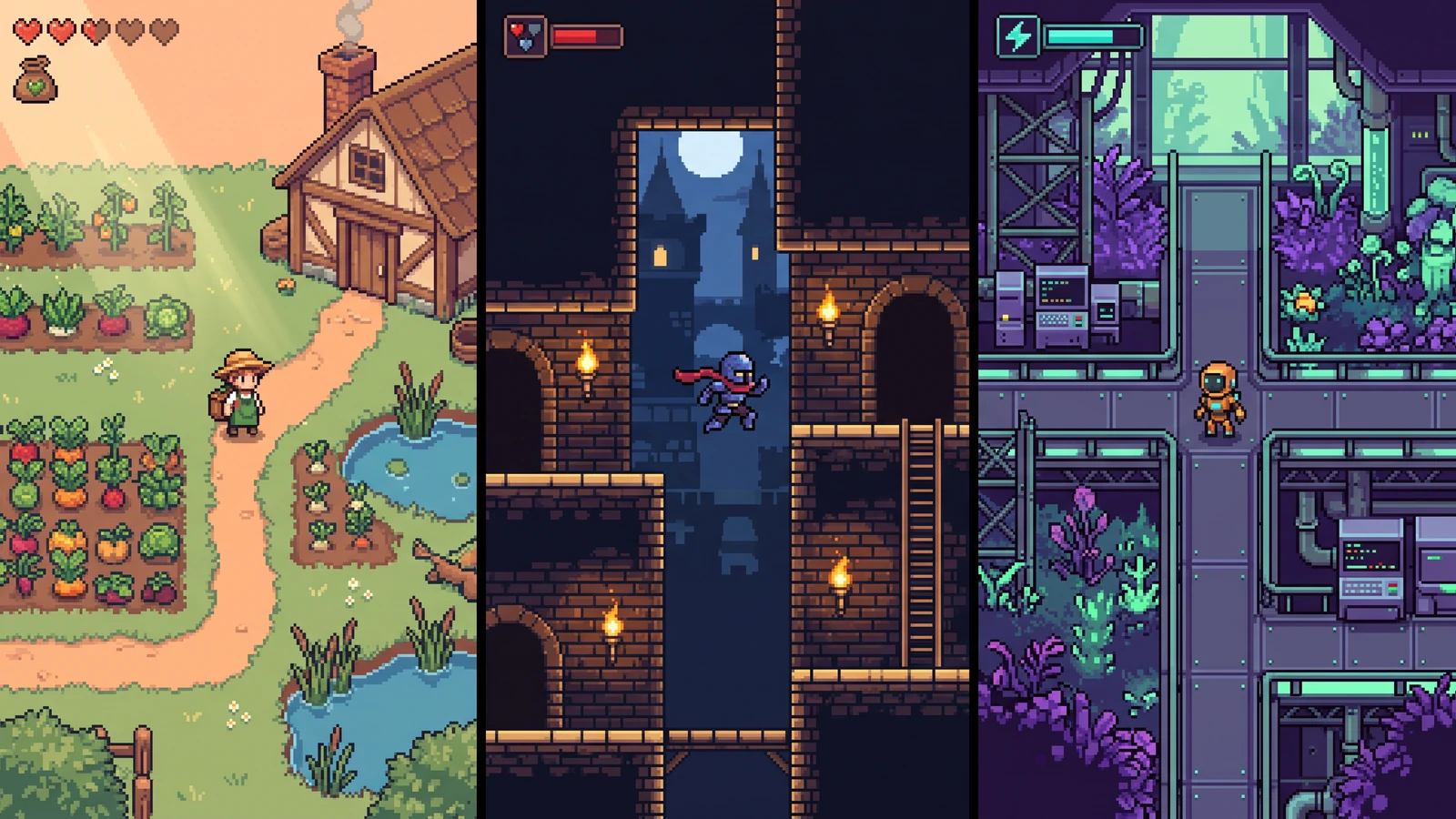
Compare different character designs inside the game worlds they are designed for.
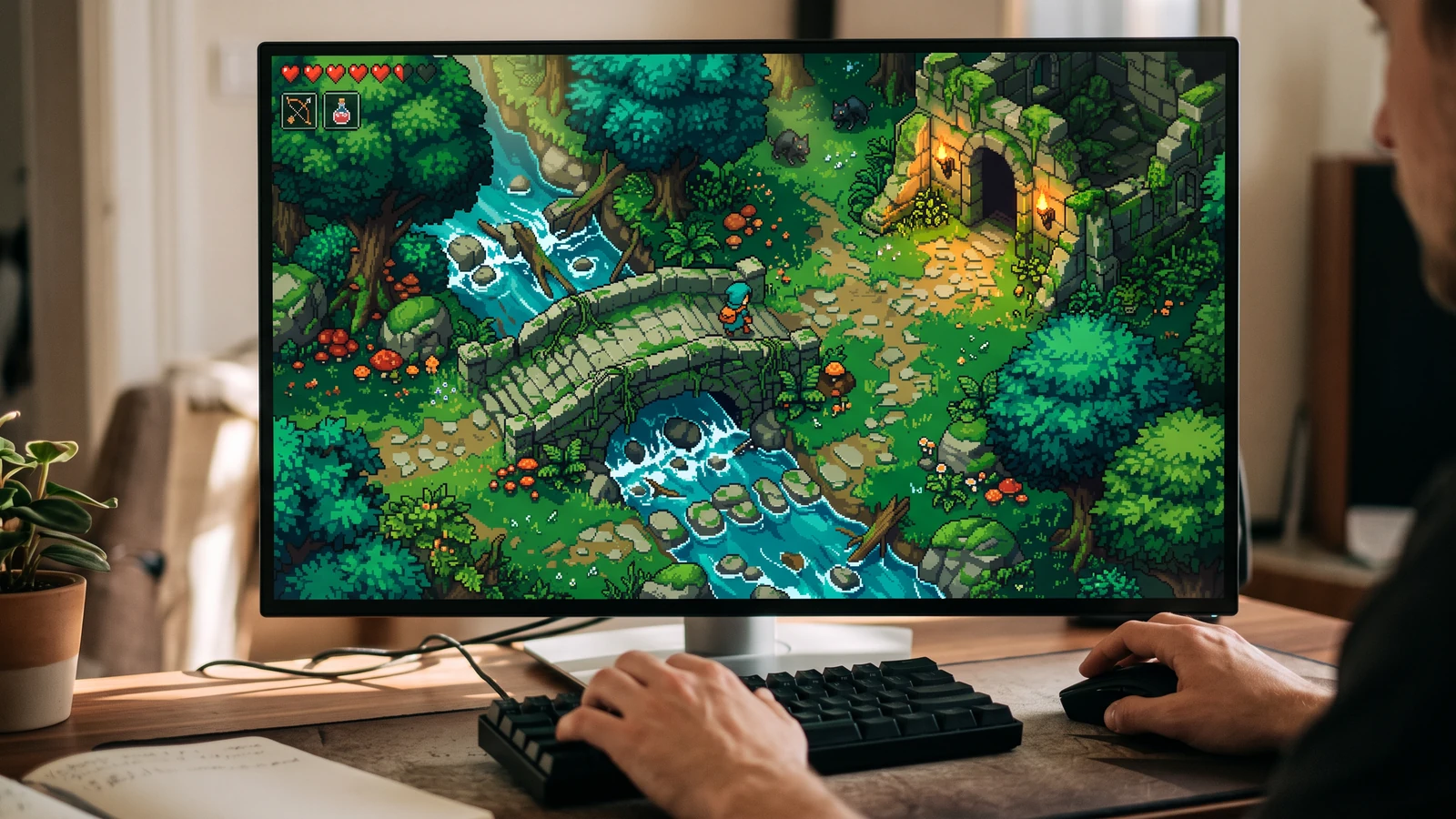
See the character, world, and interface together at desktop play size.
Use a concrete input, inspect the output, and check the current limits before choosing your next step.
Use the 128 × 64 demo sheet as a repeatable input, then set a 32-pixel grid width and an eight-color quantization target.
A 32 × 16 reduced grid is enlarged without smoothing to 640 × 320 pixels for this example.
The converter reduces resolution and quantizes RGB channels; it cannot reconstruct hand-drawn pixel detail. Palette labels are quantization targets, so the output does not promise an exact color count.
Check the engine or editor documentation when preparing your own import. These sources describe file and playback behavior, not an endorsement of PixelBox.
Content updated:
Published and maintained by LlamaGen. This page describes current PixelBox controls and export formats. Contact the team about incorrect information or an export problem.
Reduce the source to a small canvas, then enlarge without smoothing.
Reduce RGB channel levels with a color target. The target is approximate, not a guaranteed output palette size.
The source image never leaves your browser.
Choose a photo, painting, render, or game reference.
Tune grid width and the approximate color target until the silhouette reads clearly.
Export a crisp PNG at a practical display size.
No. It redraws the source on a genuinely smaller grid, reduces its colors, and scales it with nearest-neighbor rendering.
Yes. Transparent areas are kept when the source format includes alpha.
No. Color reduction rounds each RGB channel to a small set of levels. The 16- and 32-color targets currently use three levels per channel, allowing up to 27 RGB combinations before transparency. Use the result as a visual starting point rather than an exact indexed palette.
No. The converter is a free local browser utility.