Language: English (UK)
Pixel Art UI Generator
Design pixel game UI kits—HUD panels, buttons, health bars, inventory slots, and dialogue boxes. The live Labs result is one interface concept.
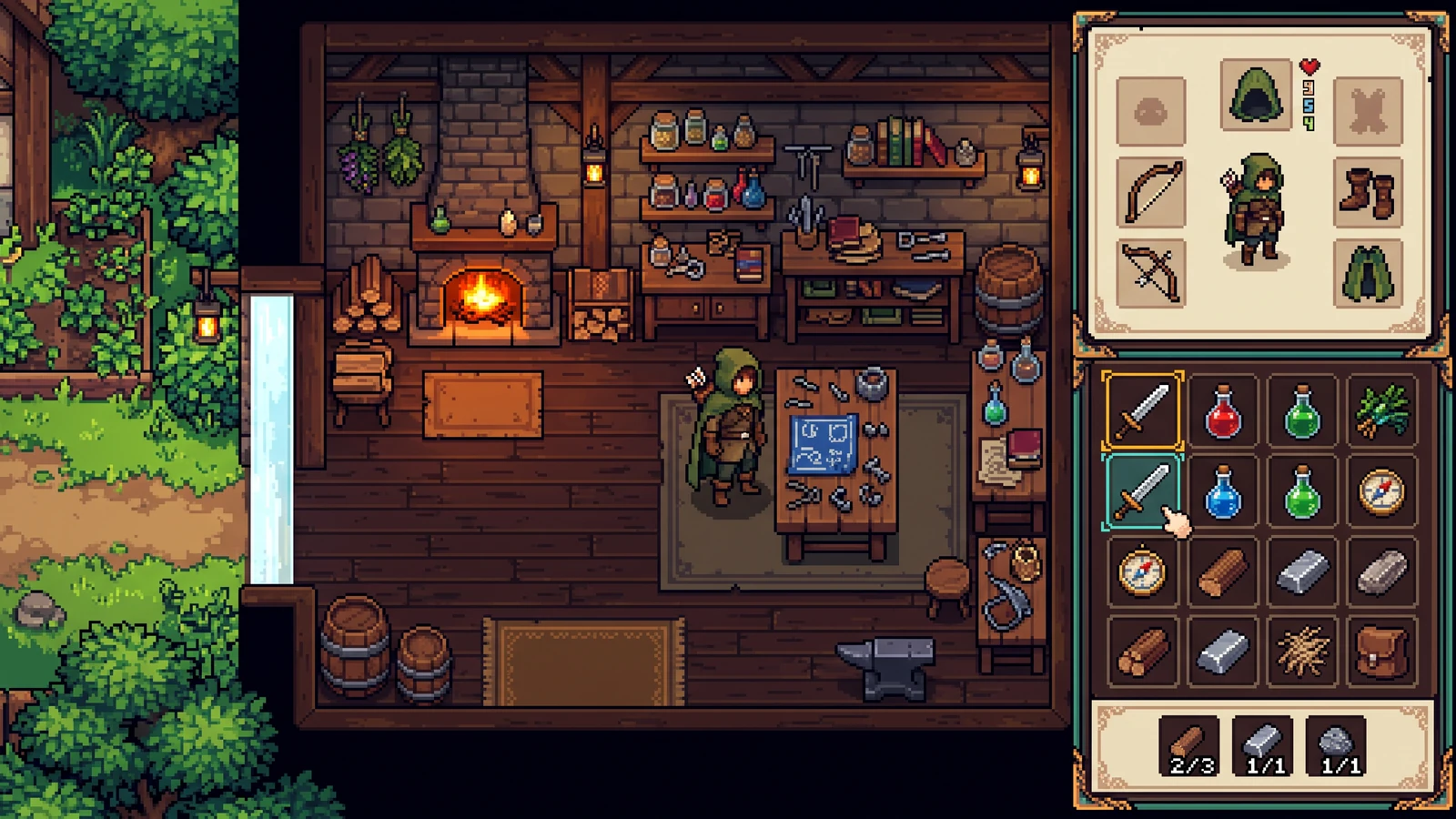
Does this export nine-slice UI states?
That is the planned kit. The current preview is one interface concept so you can match palette and material language before production export.
Set the constraints. Explore the direction.
This is a one-image concept preview. Sign in only when you generate; the exact credit cost is visible before the run.
Use this to test visual direction. Frame separation, tile rules, UI states, layers, and engine metadata are not included here.
These settings guide the prompt; they do not guarantee exact output dimensions or an exact color count.
Add a reference or start from the prepared brief. This preview is one image, not a separated production package.
See the assets as a game.
Explore gameplay, handheld use, and coordinated designs. These AI-generated concepts illustrate visual possibilities; review your own assets and engine imports before shipping.
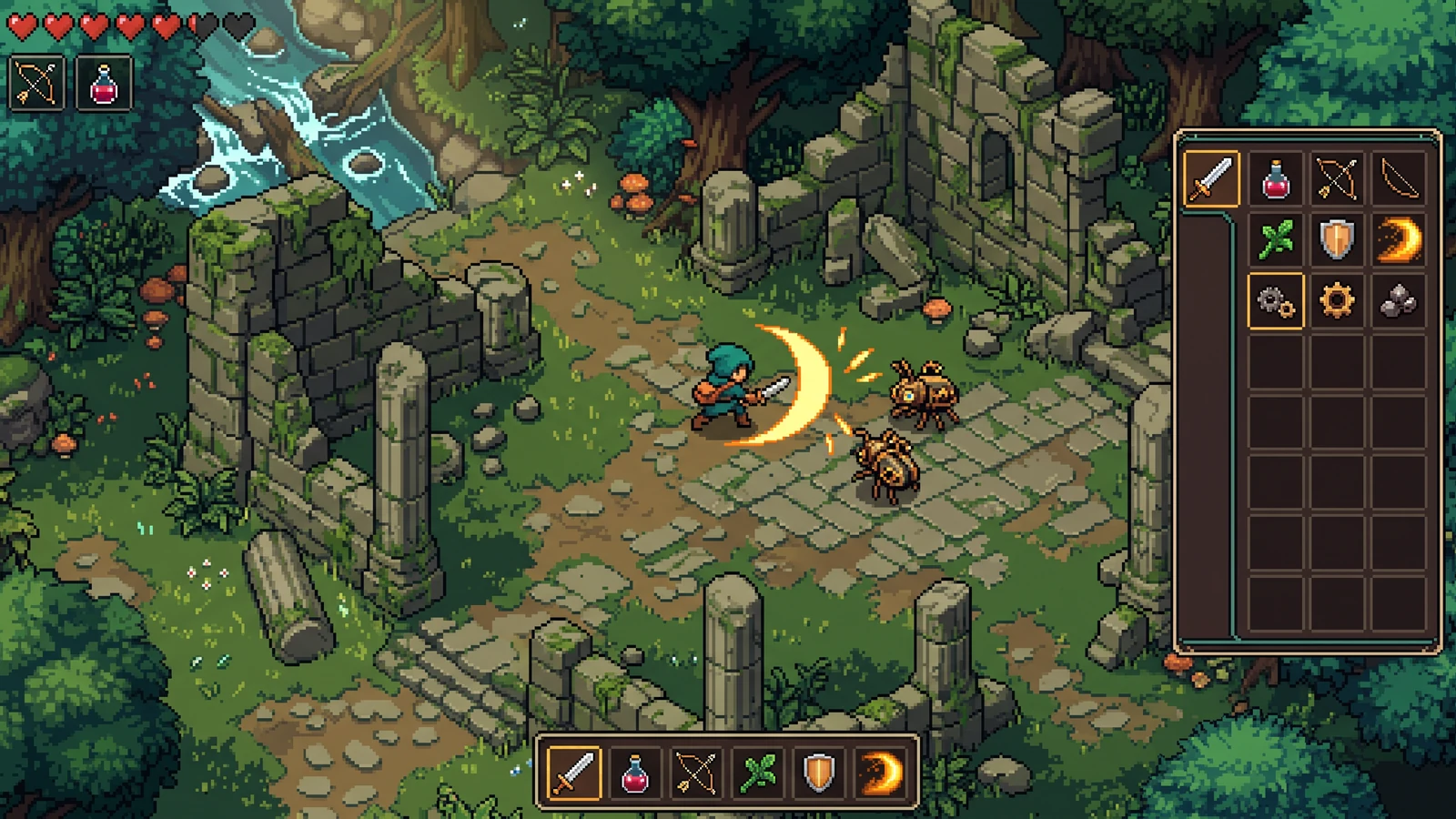
Combat, items, and interface in one scene
Judge effect visibility, item icons, and interface contrast during the same gameplay moment.
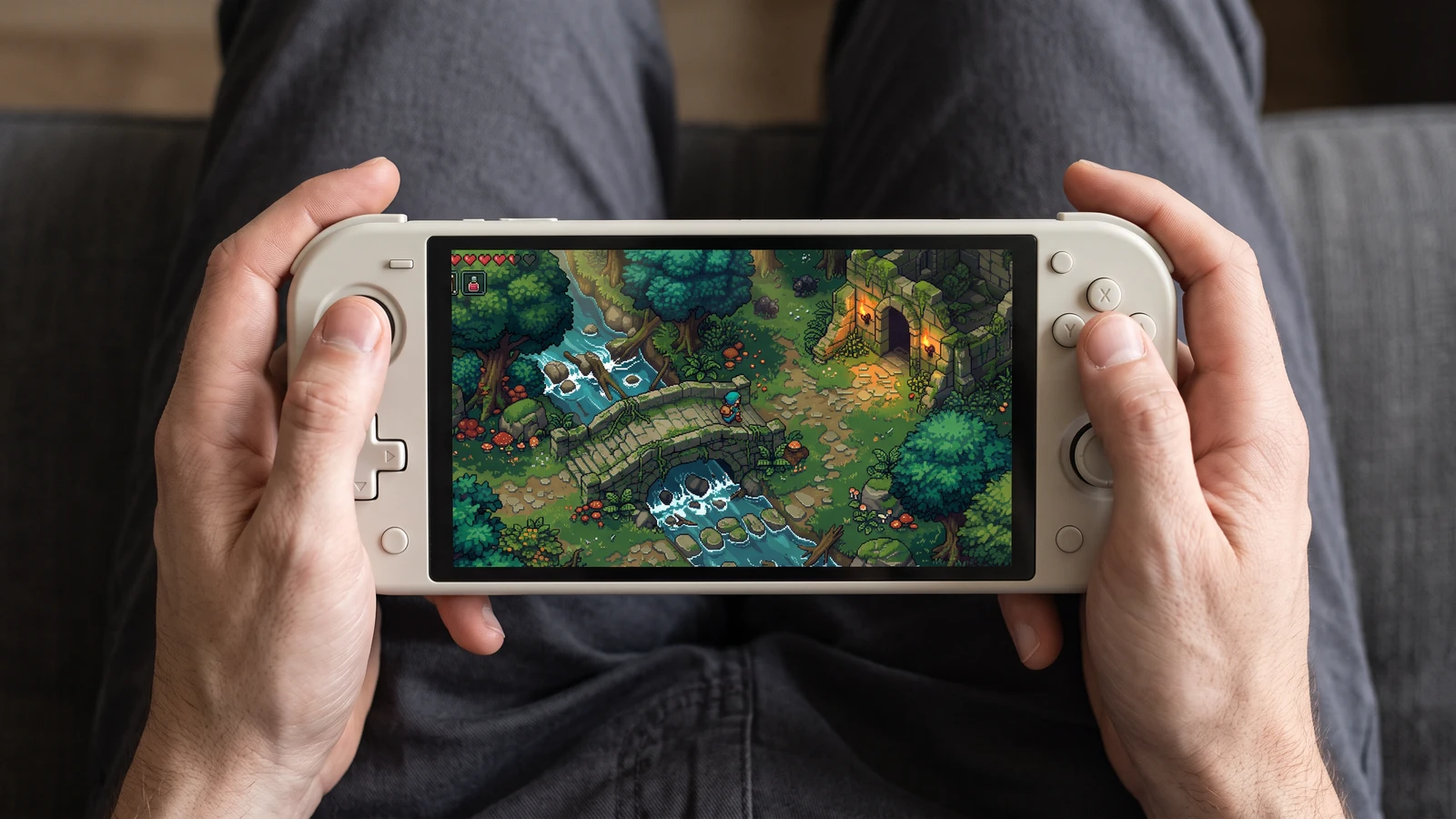
A closer look at handheld play
Check how the same game scene reads on a handheld screen, from the character to the smallest interface icons.
Review an inventory UI direction
Use a concrete input, inspect the output, and check the current limits before choosing your next step.
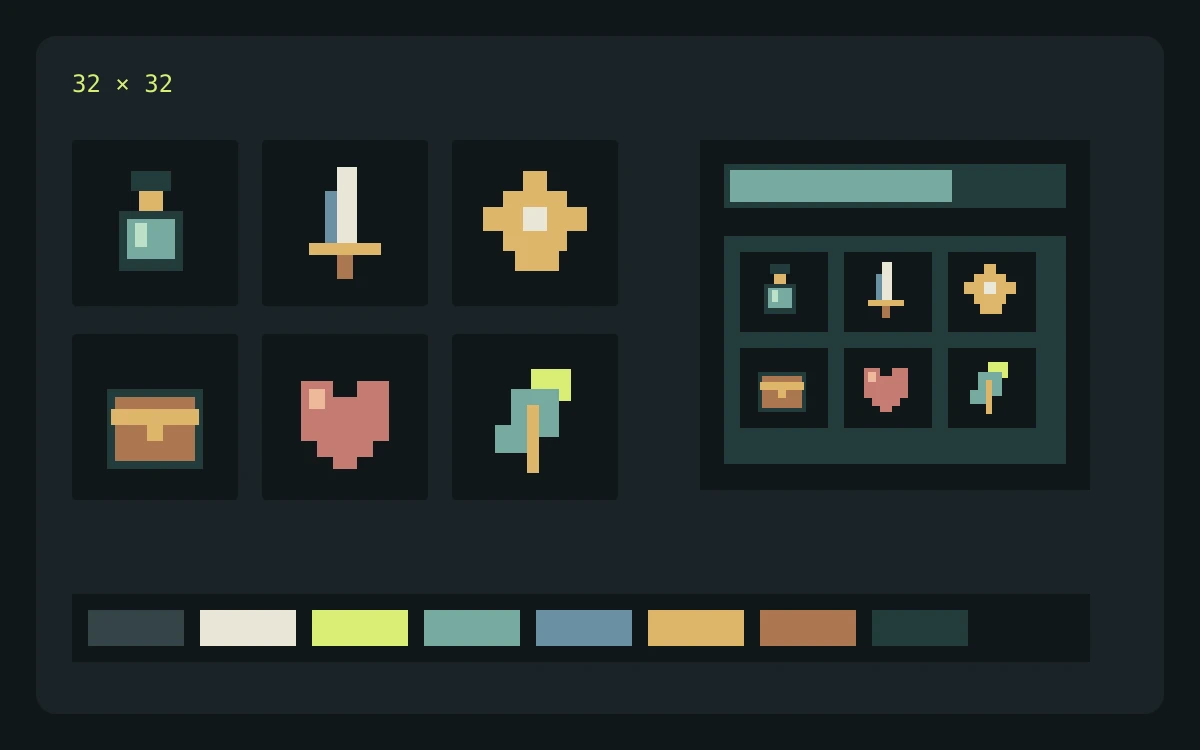
Example input
Describe cream panels, brass corners, sky-blue status bars, and large empty areas for text. List normal, selected, and disabled states in the brief.
What to check
- Enter the brief, choose the game profile, pixel-size target, and palette target, then review the credit cost before generating.
- Inspect the returned concept at the scale where it will appear in your game. Check edges, silhouette, color consistency, and unwanted details.
- Download the concept for review. Prepare and check actual frames, tiles, or components separately before importing them into a game.
Expected output
Use the concept to assess contrast and hierarchy. Build and check interactive states, text layout, and stretchable panel borders separately.
Current limits
The current Labs preview returns one concept image. Requested pixel dimensions and palette size guide the prompt; separated frames, exact colors, seamless tiles, layers, and engine metadata are not guaranteed.
Official workflow references
Check the engine or editor documentation when preparing your own import. These sources describe file and playback behavior, not an endorsement of PixelBox.
Publisher and support
Content updated:
Published and maintained by LlamaGen. This page describes current PixelBox controls and export formats. Contact the team about incorrect information or an export problem.
Clear terms before you build.
Can I use the assets in a commercial game?
Commercial use depends on your LlamaGen plan terms and the rights to your prompts and uploaded references. Review the current Terms of Service before publishing, and keep your source files and export records.
What does the current Labs preview return?
It returns one concept image for evaluating visual direction. It does not yet guarantee separated frames, tiles, layers, component states, or engine metadata.
Where can I build and review a structured character pack?
PixelBox Character Studio supports a 4-direction Idle, Walk, and Attack workflow with clip review, playable validation, portable PNG and JSON, plus generated Godot 4 and Unity import files.