語言: 繁體中文(台灣)
像素風 UI 產生器
設計像素遊戲 UI 套件——HUD 面板、按鈕、血條、道具欄槽位與對話框。即時 Labs 結果只是一個介面概念。
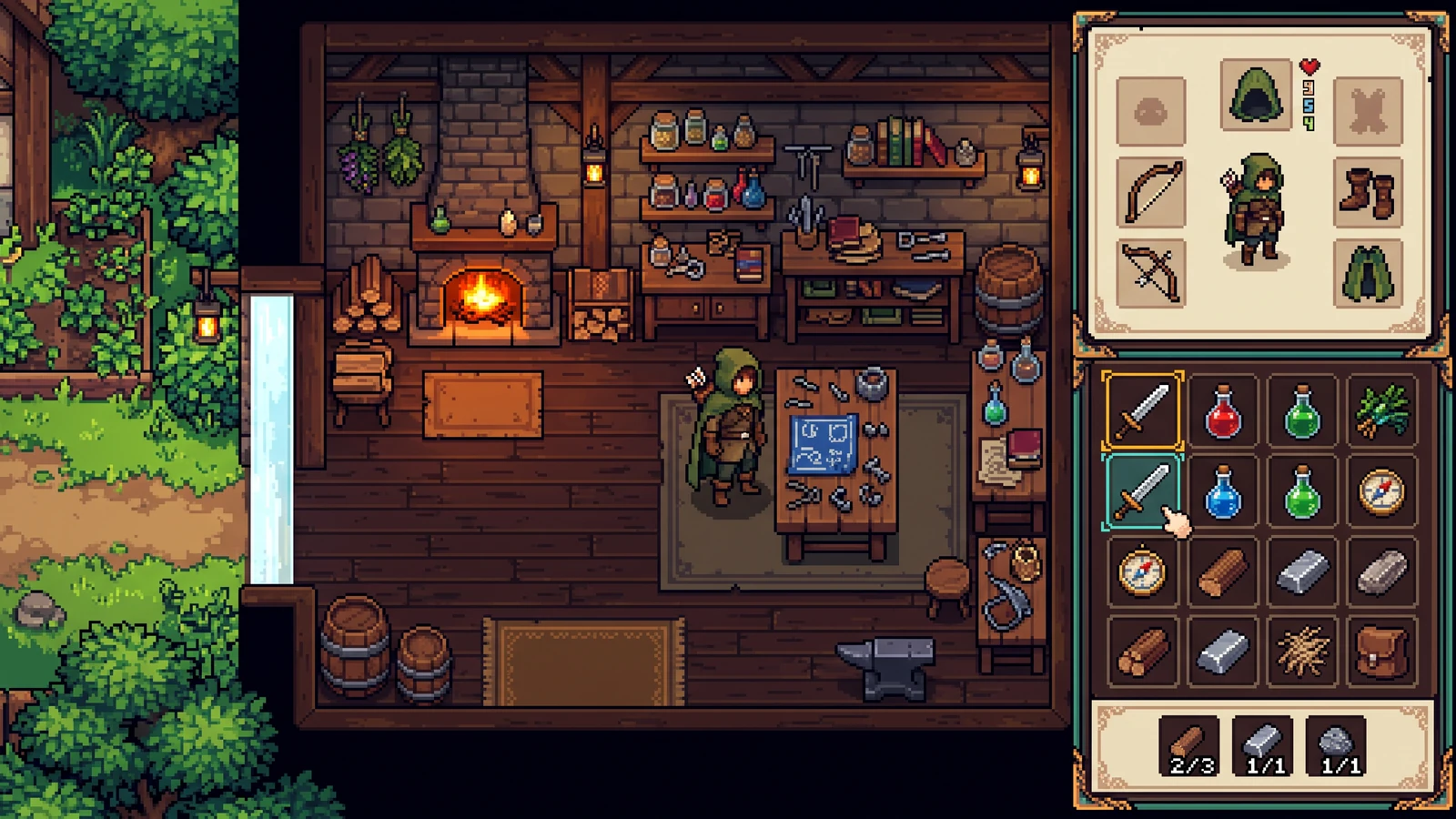
這會匯出 nine-slice UI 狀態嗎?
這就是規劃中的套件。現在的預覽只是一個介面概念,方便你在正式匯出前先對齊配色與材質語言。
先設定限制,再探索方向。
這是一張單圖概念預覽。只有在生成時才需要登入;實際積分成本會在執行前顯示。
可用來測試視覺方向。這裡不包含 frame 分離、圖塊規則、UI 狀態、圖層與引擎 metadata。
這些設定只會引導提示詞;不保證精確輸出尺寸,也不保證精確色數。
加入參考圖,或直接從已準備好的簡報開始。這個預覽只是一張圖,不是拆分好的製作套件。
把素材當作一款遊戲來看。
探索玩法、掌機使用情境與協調一致的設計。這些 AI 生成概念圖僅用於示範視覺可能性;上線前請先檢查你自己的素材與引擎匯入結果。
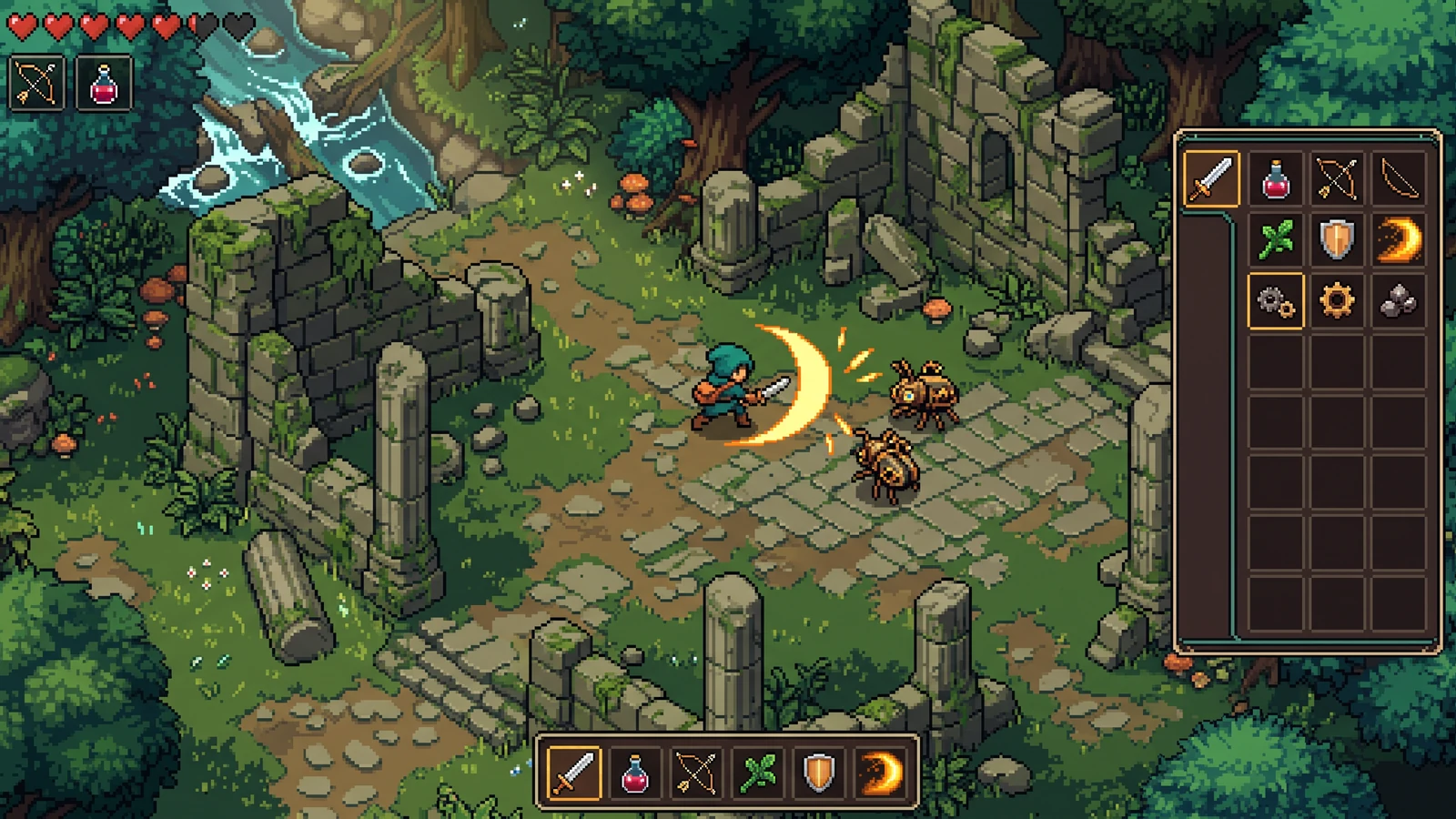
戰鬥、道具與介面一次看
在同一個遊玩畫面中,檢視特效可見度、道具圖示與介面對比。
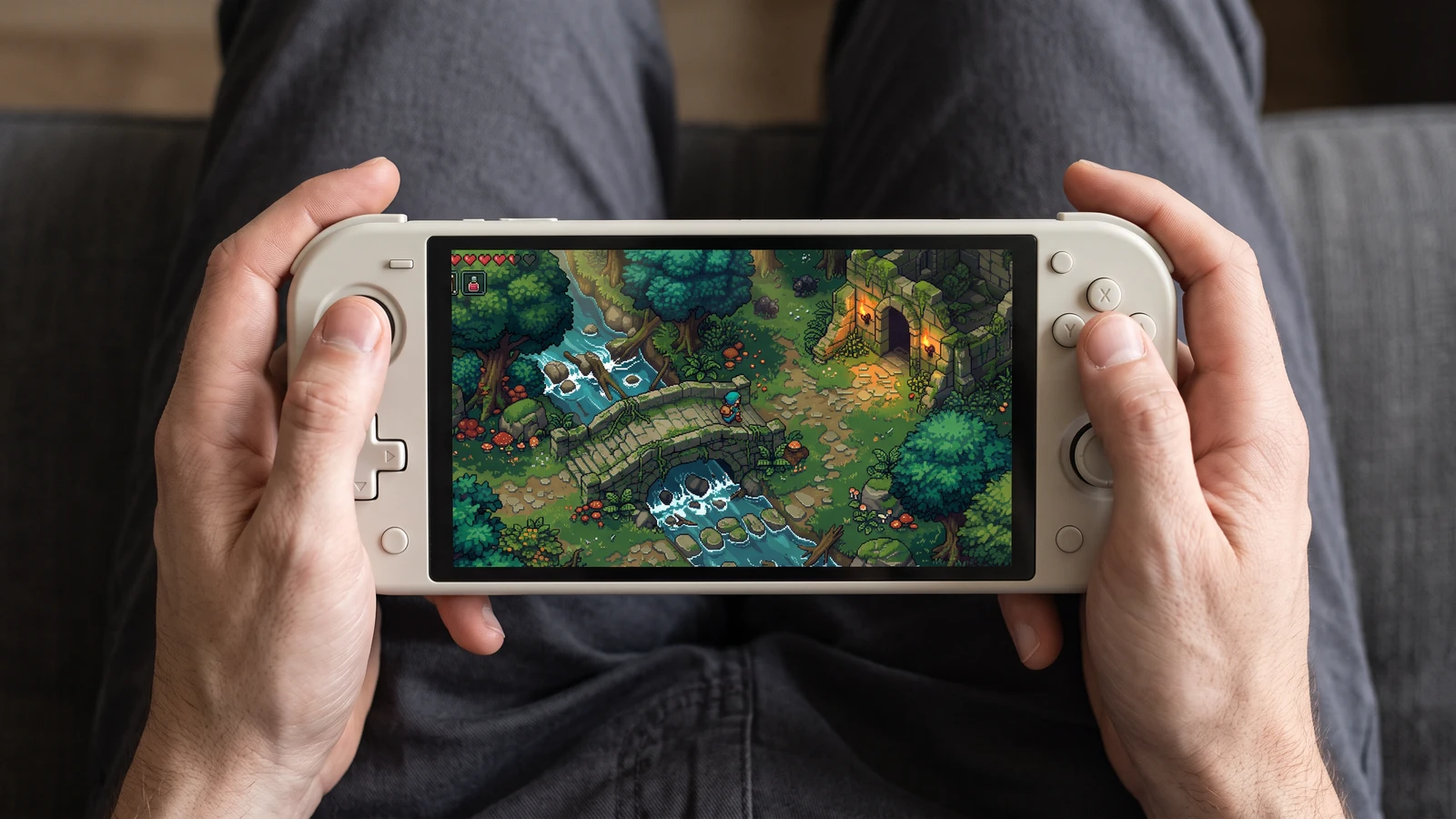
更近一步看掌機遊玩
看看同一個遊戲場景在掌機螢幕上的呈現效果,從角色到最小的介面圖示都能一目了然。
Review an inventory UI direction
先使用明確的輸入,檢視輸出,並確認目前限制,再決定下一步。
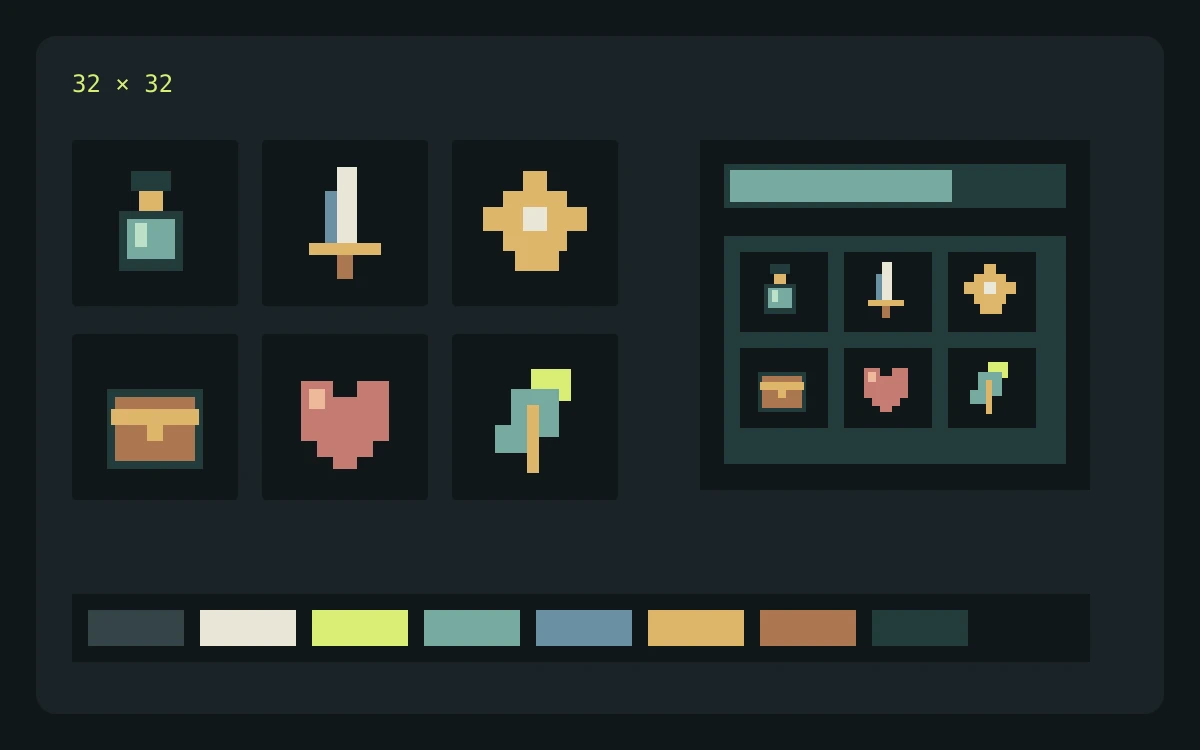
範例輸入
Describe cream panels, brass corners, sky-blue status bars, and large empty areas for text. List normal, selected, and disabled states in the brief.
檢查重點
- Enter the brief, choose the game profile, pixel-size target, and palette target, then review the credit cost before generating.
- Inspect the returned concept at the scale where it will appear in your game. Check edges, silhouette, color consistency, and unwanted details.
- Download the concept for review. Prepare and check actual frames, tiles, or components separately before importing them into a game.
預期輸出
Use the concept to assess contrast and hierarchy. Build and check interactive states, text layout, and stretchable panel borders separately.
目前限制
The current Labs preview returns one concept image. Requested pixel dimensions and palette size guide the prompt; separated frames, exact colors, seamless tiles, layers, and engine metadata are not guaranteed.
官方工作流程參考
在準備自己的匯入流程時,請參考引擎或編輯器文件。這些資料只說明檔案與播放行為,並不代表對 PixelBox 的背書。
發布者與支援
內容已更新:
由 LlamaGen 發布與維護。本頁說明目前 PixelBox 的控制項與匯出格式。如有資訊錯誤或匯出問題,請聯絡團隊。
開始建立前,先確認條件清楚。
我可以把素材用在商業遊戲中嗎?
商業使用取決於你的 LlamaGen 方案條款,以及你對提示詞與上傳參考圖所擁有的權利。發布前請先查看最新服務條款,並保留來源檔與匯出紀錄。
目前的 Labs 預覽會回傳什麼?
它只會回傳一張概念圖,供評估視覺方向。目前尚無法保證有分離的幀、地塊、圖層、元件狀態或引擎中繼資料。
我可以在哪裡建立並檢視結構化角色包?
PixelBox Character Studio 支援 4 方向 Idle、Walk 與 Attack 工作流程,提供片段預覽、可播放驗證、可攜式 PNG 與 JSON,並可生成 Godot 4 與 Unity 匯入檔。