Wika: Filipino
Pixel Art UI Generator
Magdisenyo ng pixel game UI kit—HUD panel, button, health bar, inventory slot, at dialogue box. Ang live Labs result ay isang interface concept lang.
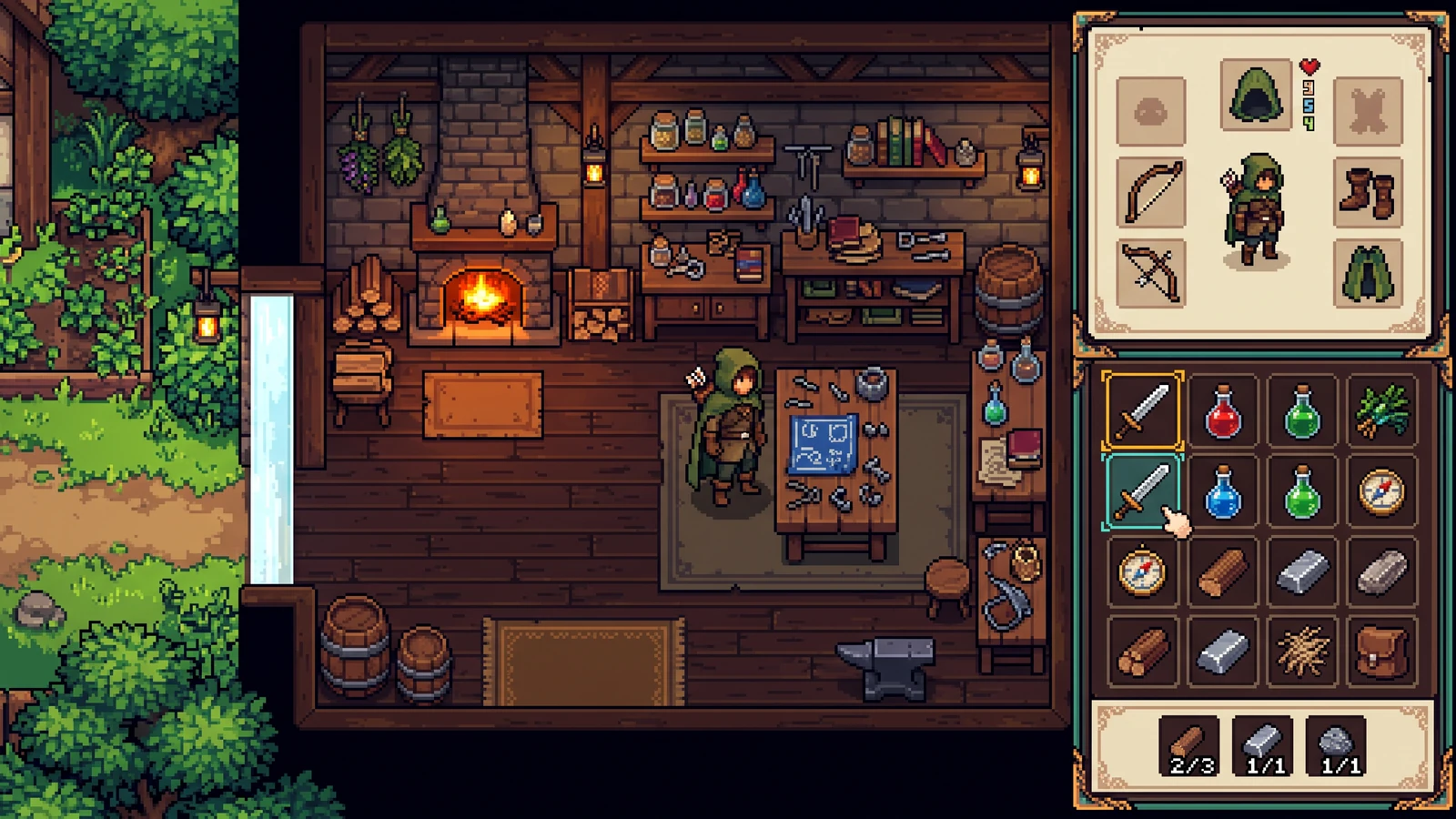
Nag-e-export ba ito ng nine-slice UI state?
Iyon ang planadong kit. Ang kasalukuyang preview ay isang interface concept lang para maitugma mo ang palette at material language bago ang production export.
Itakda ang mga constraint. Tuklasin ang direksyon.
Isang image lang ang concept preview na ito. Mag-sign in lang kapag mag-ge-generate ka; makikita ang eksaktong credit cost bago tumakbo.
Gamitin ito para subukan ang visual direction. Hindi kasama rito ang frame separation, tile rules, UI state, layer, at engine metadata.
Gabay lang sa prompt ang mga setting na ito; hindi nito ginagarantiya ang eksaktong output dimensions o eksaktong bilang ng kulay.
Magdagdag ng reference o magsimula sa prepared brief. Ang preview na ito ay iisang image lang, hindi hiwalay na production package.
Tingnan ang mga asset bilang isang laro.
Tuklasin ang gameplay, handheld use, at magkakaugnay na design. Ipinapakita ng mga AI-generated concept na ito ang posibleng itsura; suriin ang sarili mong asset at engine import bago mag-launch.
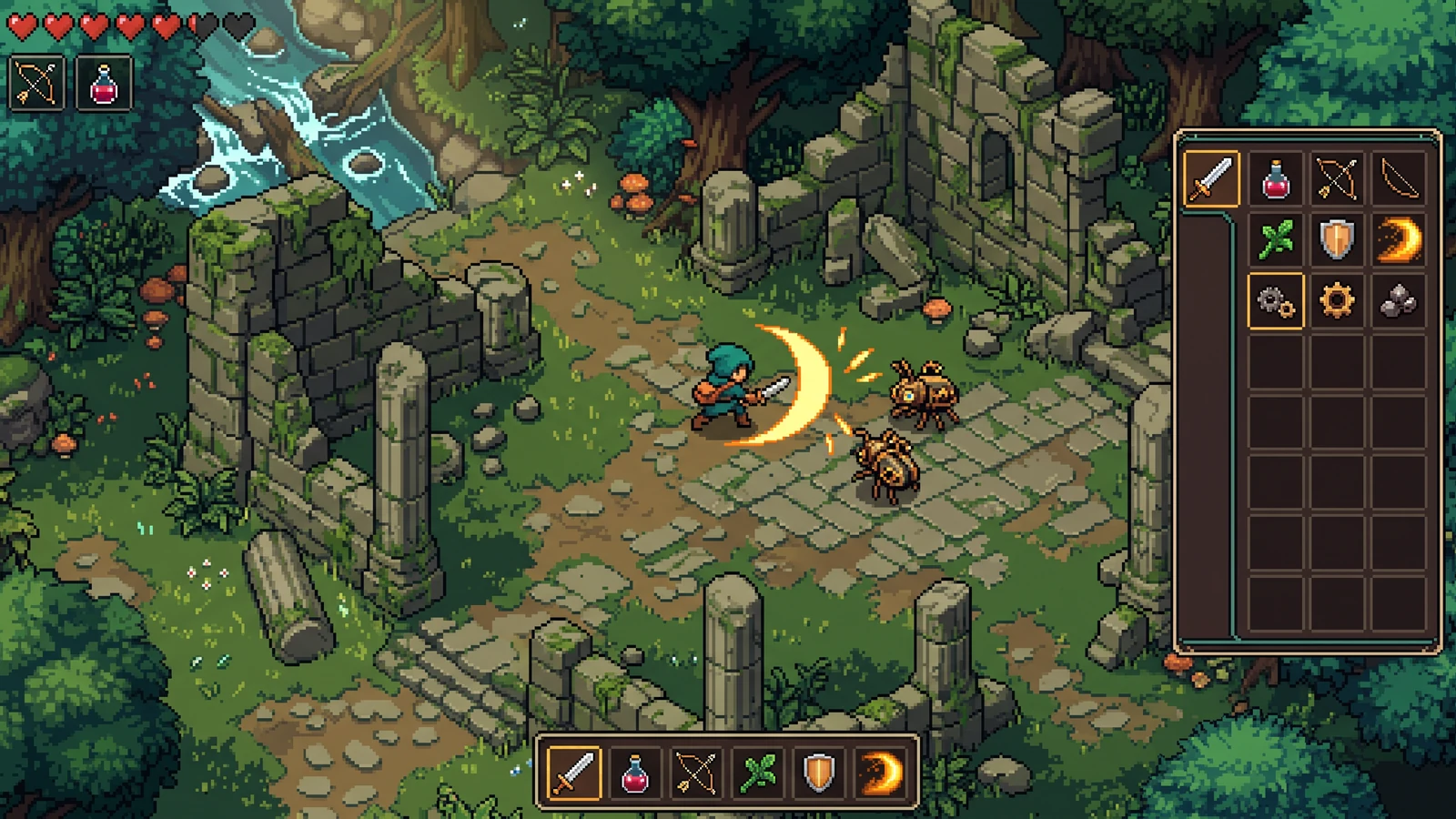
Labanan, items, at interface sa iisang eksena
Suriin ang kita ng effects, item icons, at contrast ng interface sa iisang gameplay moment.
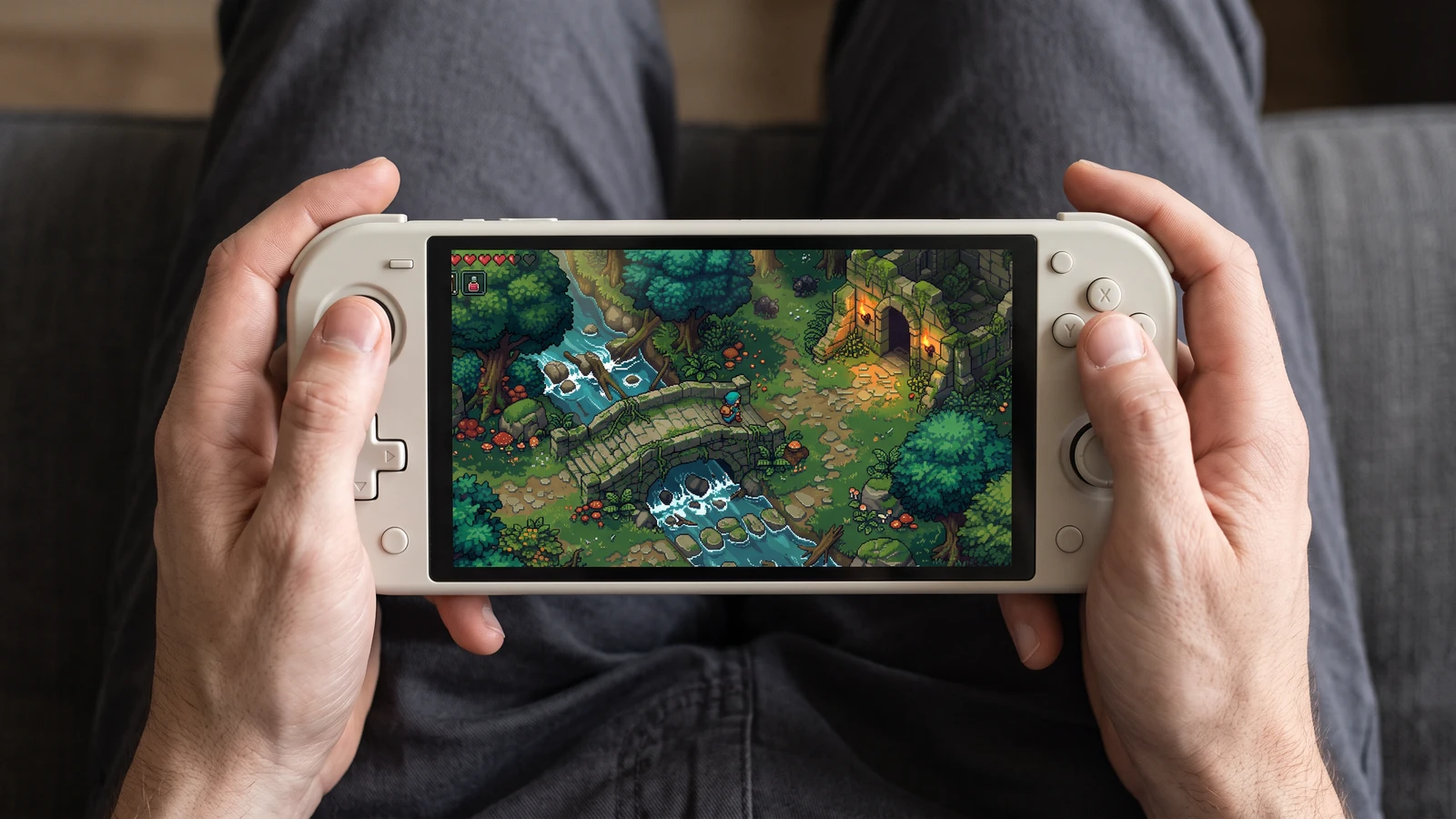
Mas malapit na tingin sa larong handheld
Tingnan kung paano lumalabas ang parehong game scene sa handheld screen, mula sa karakter hanggang sa pinakamaliit na icon ng interface.
Review an inventory UI direction
Gumamit ng konkretong input, suriin ang output, at tingnan ang kasalukuyang limit bago piliin ang susunod na hakbang.
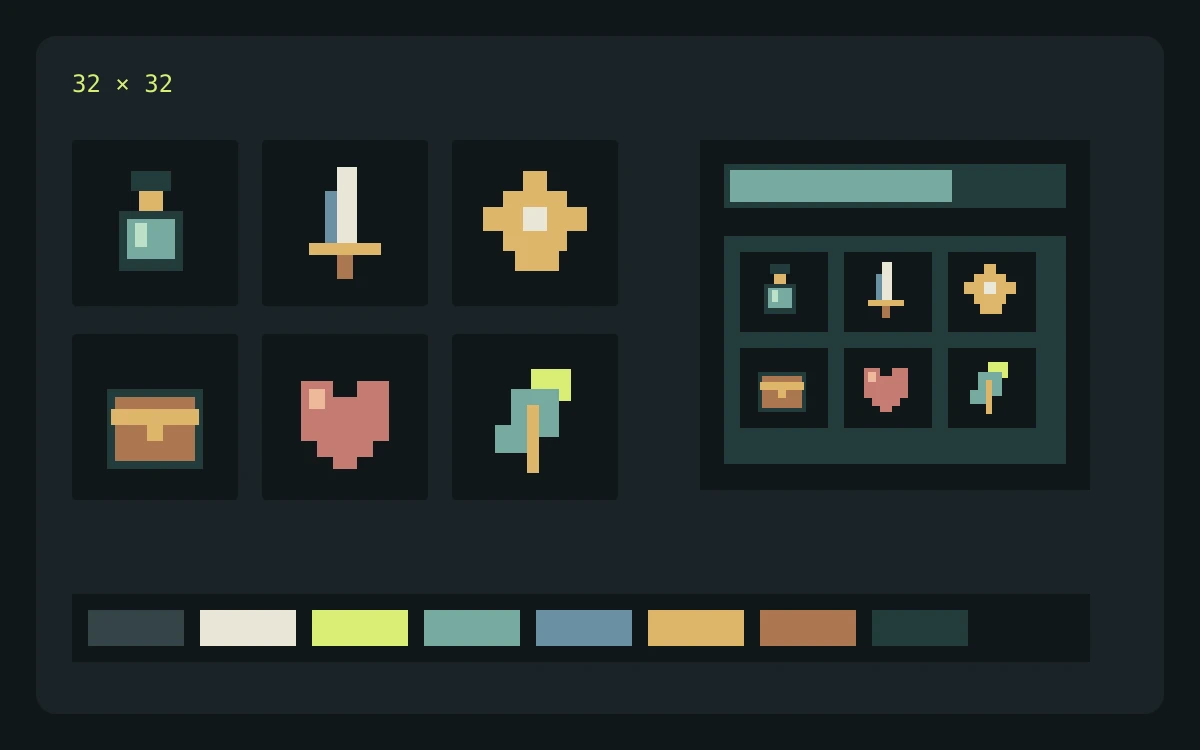
Halimbawang input
Describe cream panels, brass corners, sky-blue status bars, and large empty areas for text. List normal, selected, and disabled states in the brief.
Ano ang susuriin
- Enter the brief, choose the game profile, pixel-size target, and palette target, then review the credit cost before generating.
- Inspect the returned concept at the scale where it will appear in your game. Check edges, silhouette, color consistency, and unwanted details.
- Download the concept for review. Prepare and check actual frames, tiles, or components separately before importing them into a game.
Inaasahang output
Use the concept to assess contrast and hierarchy. Build and check interactive states, text layout, and stretchable panel borders separately.
Kasalukuyang limitasyon
The current Labs preview returns one concept image. Requested pixel dimensions and palette size guide the prompt; separated frames, exact colors, seamless tiles, layers, and engine metadata are not guaranteed.
Opisyal na sanggunian sa workflow
Suriin ang dokumentasyon ng engine o editor kapag naghahanda ng sarili mong import. Inilalarawan ng mga source na ito ang file at playback behavior, hindi ang pag-endorso sa PixelBox.
Publisher at support
Nai-update ang content:
Inilathala at pinananatili ng LlamaGen. Inilalarawan ng page na ito ang kasalukuyang PixelBox controls at export formats. Makipag-ugnayan sa team kung may maling impormasyon o problema sa export.
Linawin ang mga term bago ka bumuo.
Puwede ko bang gamitin ang mga asset sa isang commercial game?
Nakadepende ang commercial use sa mga tuntunin ng LlamaGen plan mo at sa mga karapatan sa prompts at in-upload mong references. Suriin ang kasalukuyang Terms of Service bago mag-publish, at itago ang source files at export records mo.
Ano ang ibinabalik ng kasalukuyang Labs preview?
Nagbabalik ito ng isang concept image para suriin ang visual direction. Hindi pa nito ginagarantiyahan ang magkakahiwalay na frame, tile, layer, component state, o engine metadata.
Saan ako puwedeng bumuo at magsuri ng structured character pack?
Sinusuportahan ng PixelBox Character Studio ang 4-direction Idle, Walk, at Attack workflow na may clip review, playable validation, portable PNG at JSON, plus generated Godot 4 at Unity import files.