भाषा: हिन्दी
पिक्सेल आर्ट UI जनरेटर
pixel game UI kits design करें—HUD panels, buttons, health bars, inventory slots, और dialogue boxes। Live Labs result एक interface concept है।
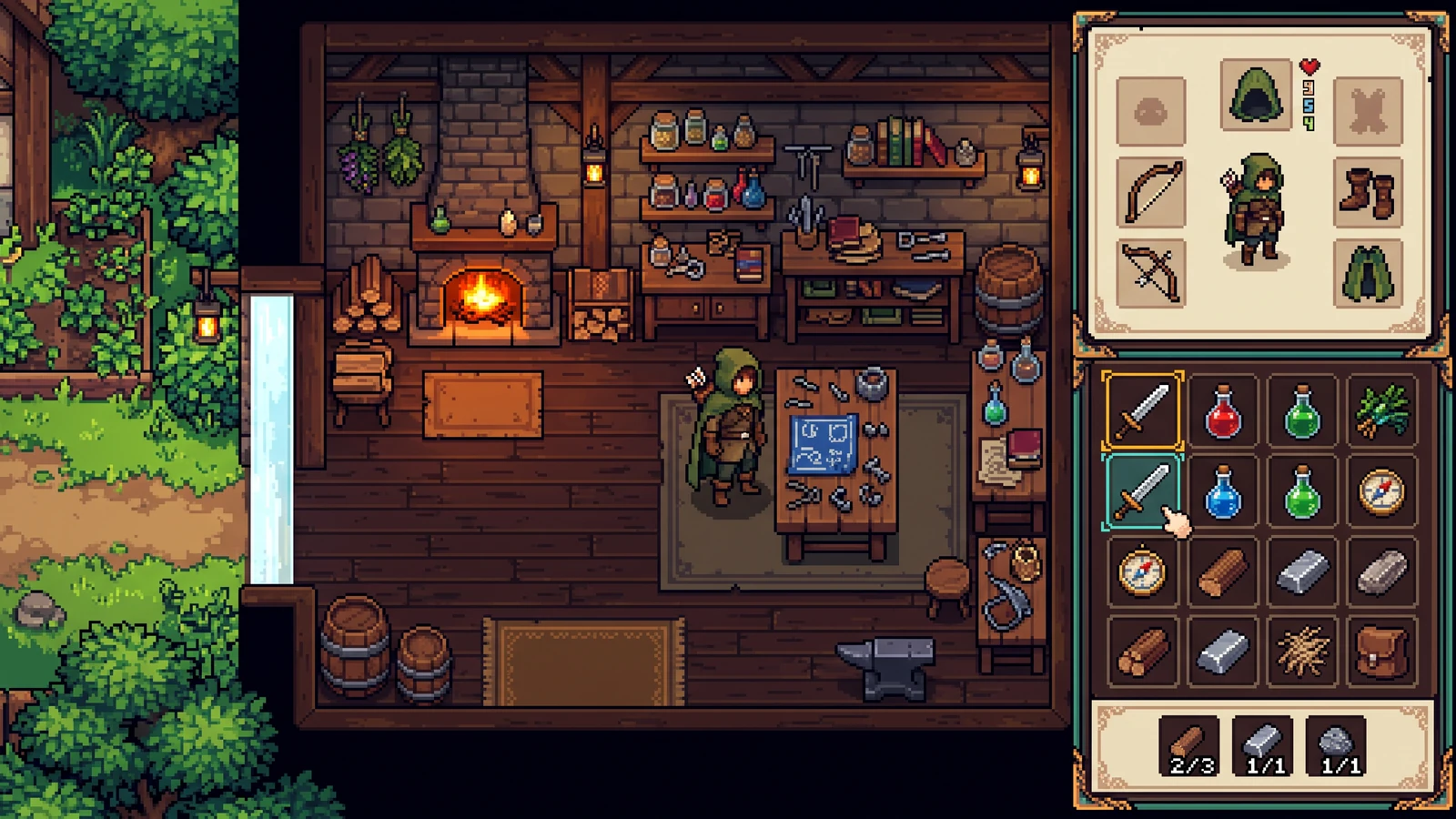
क्या यह nine-slice UI states export करता है?
यह प्रस्तावित किट है। अभी का प्रीव्यू सिर्फ़ एक इंटरफ़ेस कॉन्सेप्ट है, ताकि आप प्रोडक्शन एक्सपोर्ट से पहले पैलेट और मटेरियल स्टाइल मैच कर सकें।
सीमाएँ तय करें। दिशा तलाशें।
यह एक इमेज वाला concept preview है। Sign in सिर्फ़ generation के समय करें; exact credit cost रन से पहले दिख जाता है।
visual direction टेस्ट करने के लिए इसका उपयोग करें। यहाँ frame separation, tile rules, UI states, layers, और engine metadata शामिल नहीं हैं।
ये settings prompt को guide करती हैं; ये exact output dimensions या exact color count की गारंटी नहीं देतीं।
एक reference जोड़ें या तैयार brief से शुरू करें। यह preview एक ही image है, अलग production package नहीं।
एसेट्स को एक गेम की तरह देखें।
gameplay, handheld use, और coordinated designs explore करें। ये AI-generated concepts visual possibilities दिखाते हैं; shipping से पहले अपने assets और engine imports की समीक्षा करें।
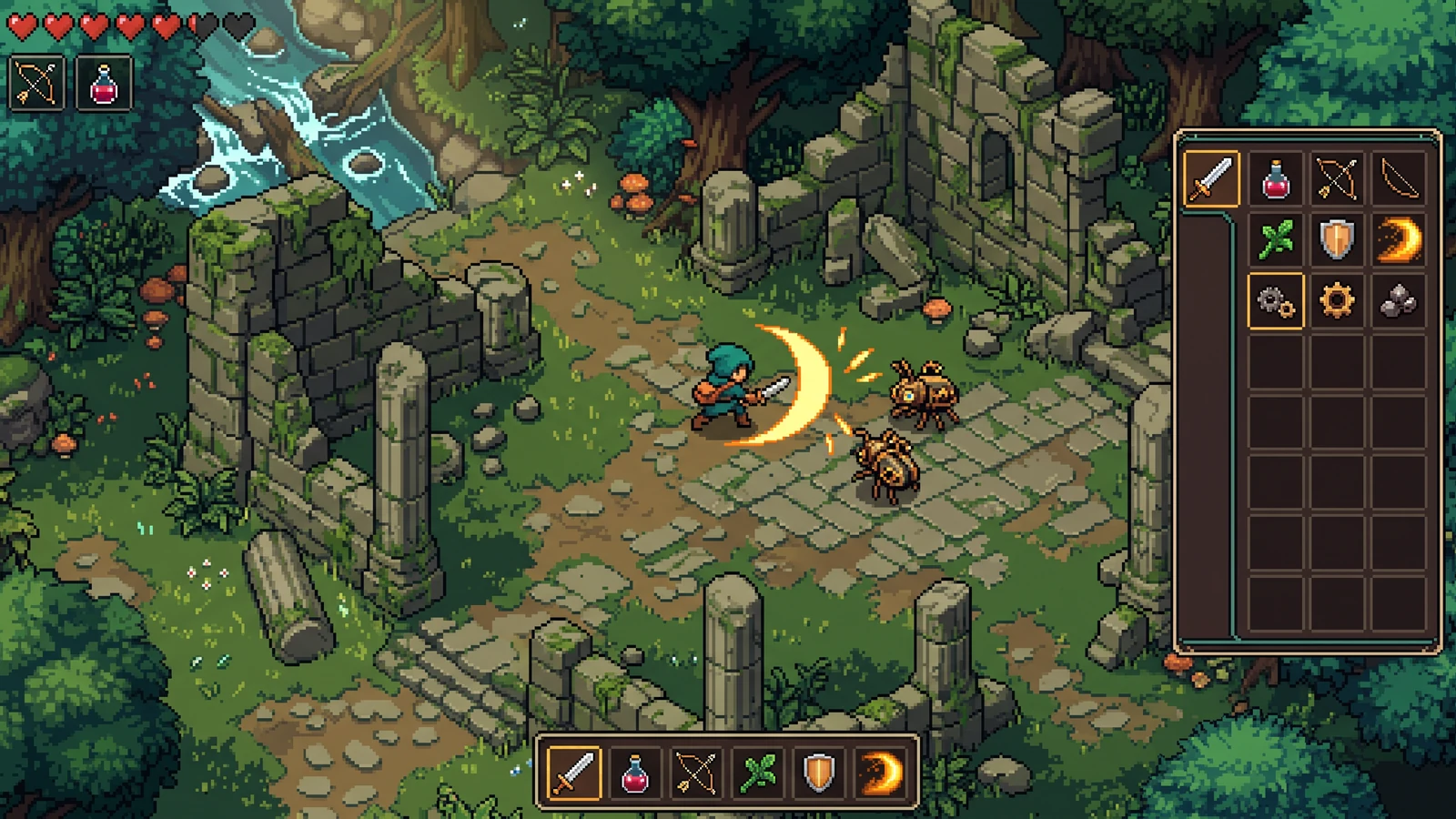
एक ही सीन में कॉम्बैट, आइटम्स और इंटरफ़ेस
एक ही गेमप्ले पल में इफेक्ट्स की स्पष्टता, आइटम आइकन, और इंटरफ़ेस कॉन्ट्रास्ट का आकलन करें।
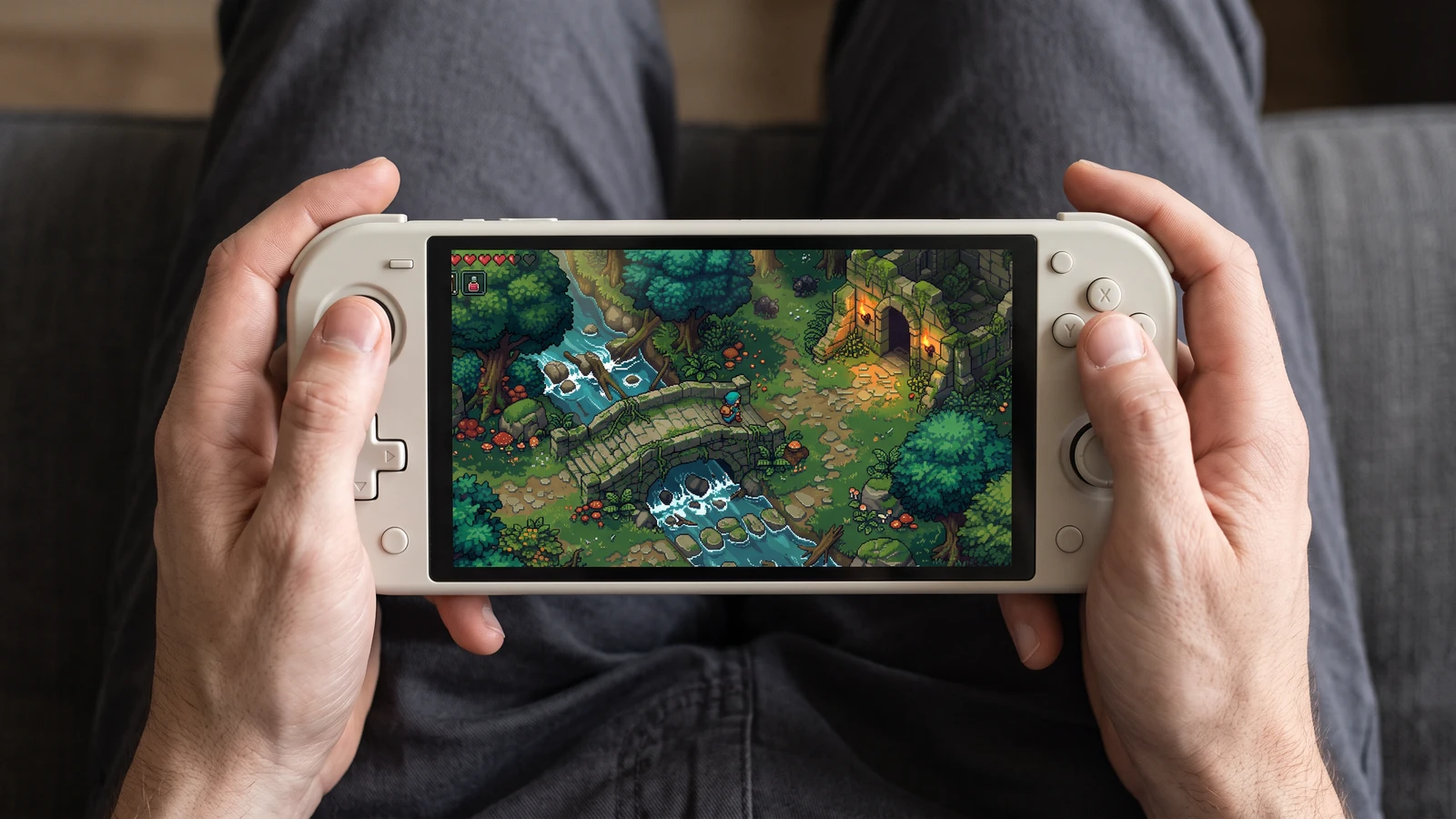
हैंडहेल्ड गेमप्ले पर एक नज़दीकी नज़र
देखें कि वही गेम सीन हैंडहेल्ड स्क्रीन पर कैसा दिखता है, किरदार से लेकर सबसे छोटे इंटरफ़ेस आइकन तक।
Review an inventory UI direction
एक ठोस input इस्तेमाल करें, output जाँचें, और अगला कदम चुनने से पहले मौजूदा limits देखें।
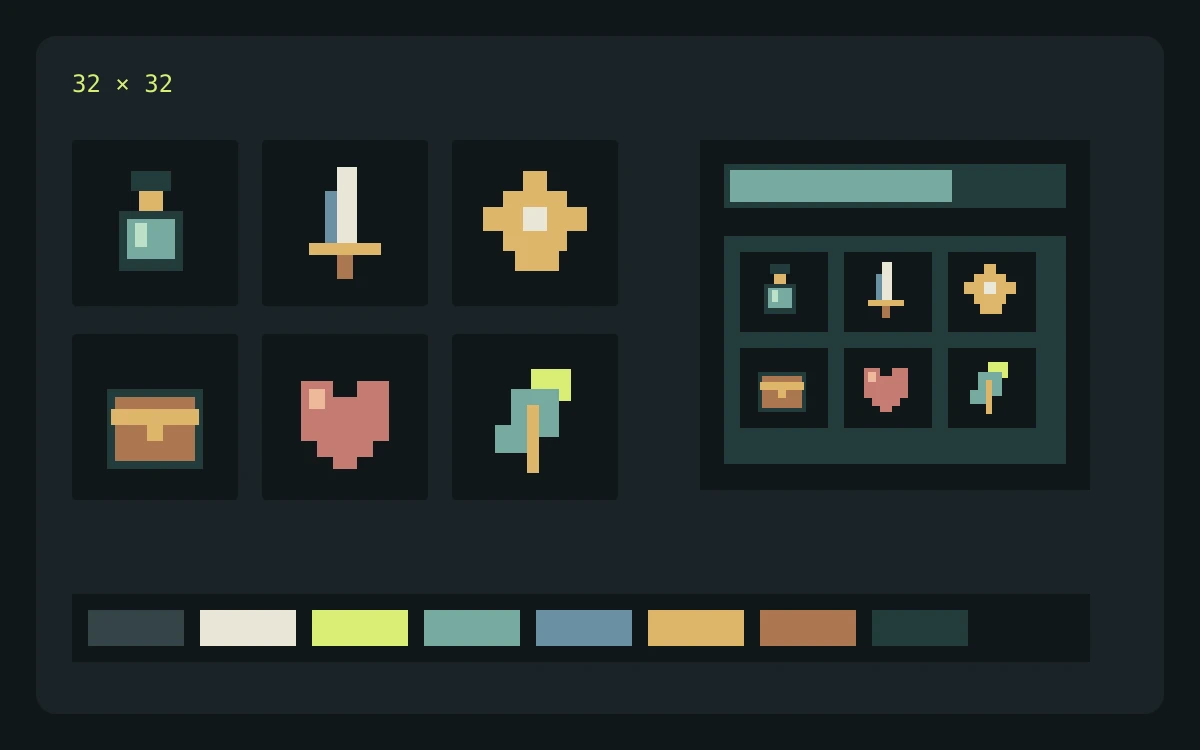
उदाहरण input
Describe cream panels, brass corners, sky-blue status bars, and large empty areas for text. List normal, selected, and disabled states in the brief.
क्या जाँचना है
- Enter the brief, choose the game profile, pixel-size target, and palette target, then review the credit cost before generating.
- Inspect the returned concept at the scale where it will appear in your game. Check edges, silhouette, color consistency, and unwanted details.
- Download the concept for review. Prepare and check actual frames, tiles, or components separately before importing them into a game.
अपेक्षित output
Use the concept to assess contrast and hierarchy. Build and check interactive states, text layout, and stretchable panel borders separately.
वर्तमान सीमाएँ
The current Labs preview returns one concept image. Requested pixel dimensions and palette size guide the prompt; separated frames, exact colors, seamless tiles, layers, and engine metadata are not guaranteed.
आधिकारिक workflow संदर्भ
अपना import तैयार करते समय engine या editor documentation देखें। ये sources file और playback behavior बताते हैं, PixelBox का समर्थन नहीं।
प्रकाशक और सहायता
सामग्री अपडेट हो गई:
LlamaGen द्वारा प्रकाशित और मेंटेन किया गया। यह पेज PixelBox के मौजूदा controls और export formats बताता है। गलत जानकारी या export समस्या के बारे में टीम से संपर्क करें।
build करने से पहले terms साफ़ करें।
क्या मैं इन assets को commercial game में इस्तेमाल कर सकता हूँ?
Commercial use आपके LlamaGen plan की शर्तों और आपके prompts तथा uploaded references के अधिकारों पर निर्भर करता है। प्रकाशित करने से पहले current Terms of Service देखें, और अपनी source files तथा export records सुरक्षित रखें।
मौजूदा Labs preview क्या देता है?
यह visual direction परखने के लिए एक concept image देता है। यह अभी अलग-अलग frames, tiles, layers, component states, या engine metadata की गारंटी नहीं देता।
मैं structured character pack कहाँ बना और review कर सकता हूँ?
PixelBox Character Studio 4-दिशा Idle, Walk, और Attack workflow को सपोर्ट करता है, जिसमें clip review, playable validation, portable PNG और JSON, साथ ही generated Godot 4 और Unity import files शामिल हैं।