زبان: اردو
پکسل آرٹ آئٹم جنریٹر
inventory scale پر ہم آہنگ pixel weapons، potions، food، اور quest icons بنائیں۔ Labs فی الحال ایک item-family concept image واپس دیتا ہے۔
کیا میں پورا inventory set بیچ میں برآمد کر سکتا ہوں؟
production contract ایک نامزد icon family ہے۔ آج یہ page ایک concept sheet explore کرتا ہے تاکہ آپ پہلے silhouette اور rarity colors lock کر سکیں۔
constraints set کریں۔ direction explore کریں۔
یہ ایک تصویر والا concept preview ہے۔ صرف generation کے وقت sign in کریں؛ exact credit cost run سے پہلے دکھائی دیتا ہے۔
visual direction جانچنے کے لیے اسے استعمال کریں۔ یہاں frame separation، tile rules، UI states، layers، اور engine metadata شامل نہیں ہیں۔
یہ settings prompt کی رہنمائی کرتی ہیں؛ یہ exact output dimensions یا رنگوں کی قطعی تعداد کی ضمانت نہیں دیتیں۔
کوئی reference شامل کریں یا تیار brief سے شروع کریں۔ یہ preview ایک تصویر ہے، الگ production package نہیں۔
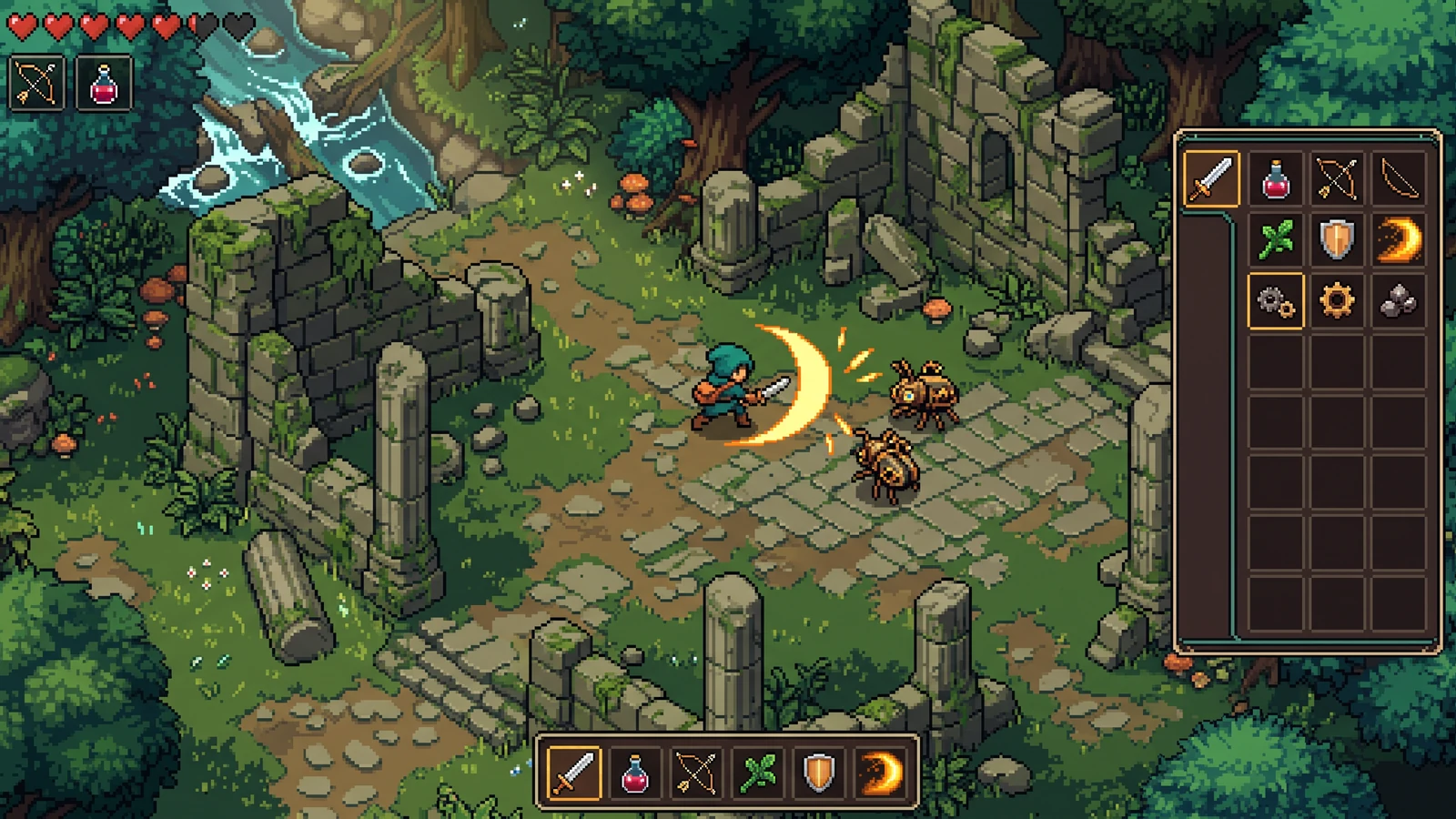
assets کو game کی طرح دیکھیں۔
gameplay، handheld use، اور coordinated designs دریافت کریں۔ یہ AI-generated concepts بصری امکانات دکھاتے ہیں؛ اپنی assets اور engine imports کو ship کرنے سے پہلے ضرور review کریں۔
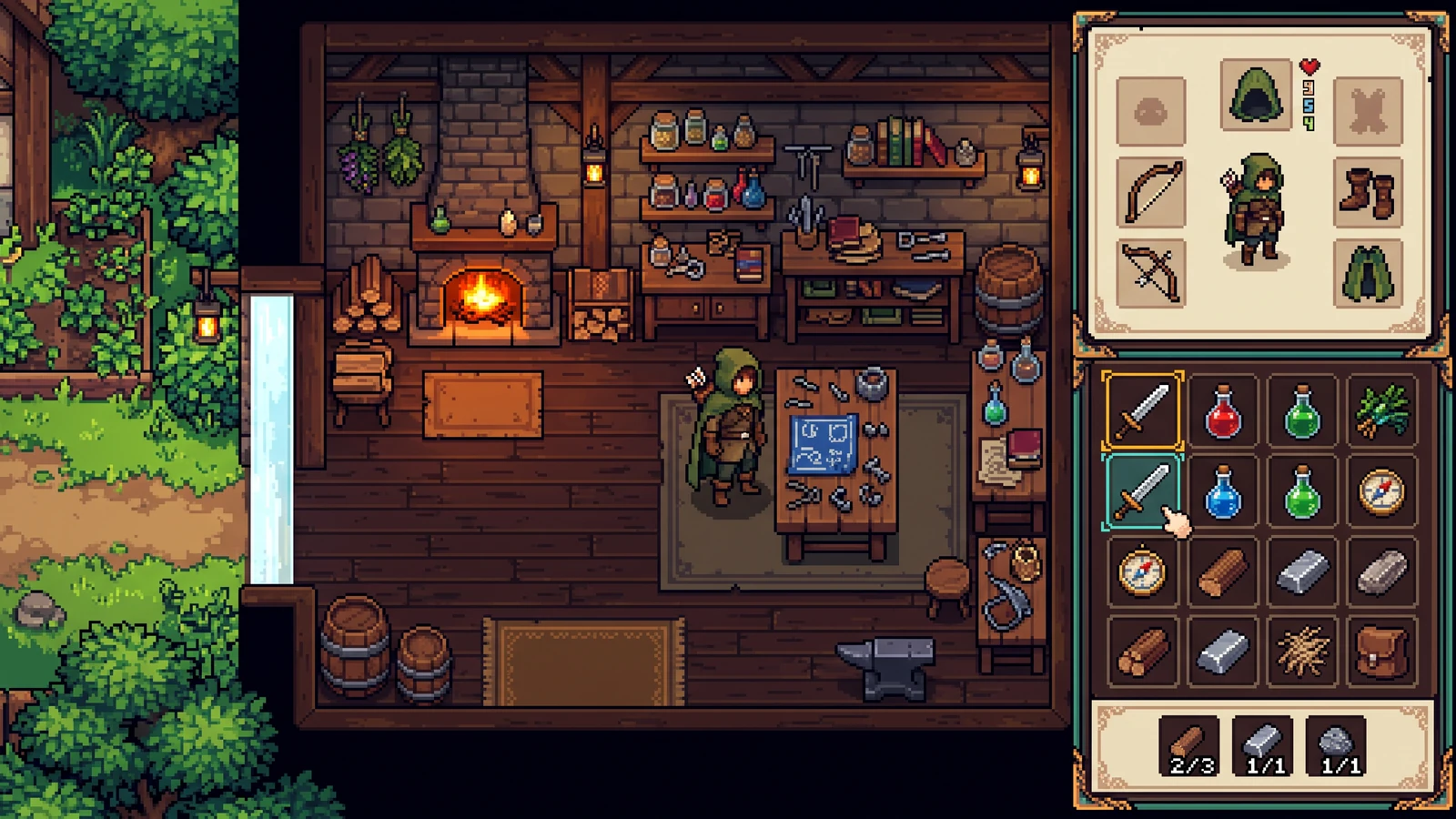
Items اور interface سیاق و سباق میں
آئیکن سائز، خالی جگہ، منتخب حالتیں، اور مینو کے پیچھے موجود دنیا کے ساتھ contrast کا موازنہ کریں۔
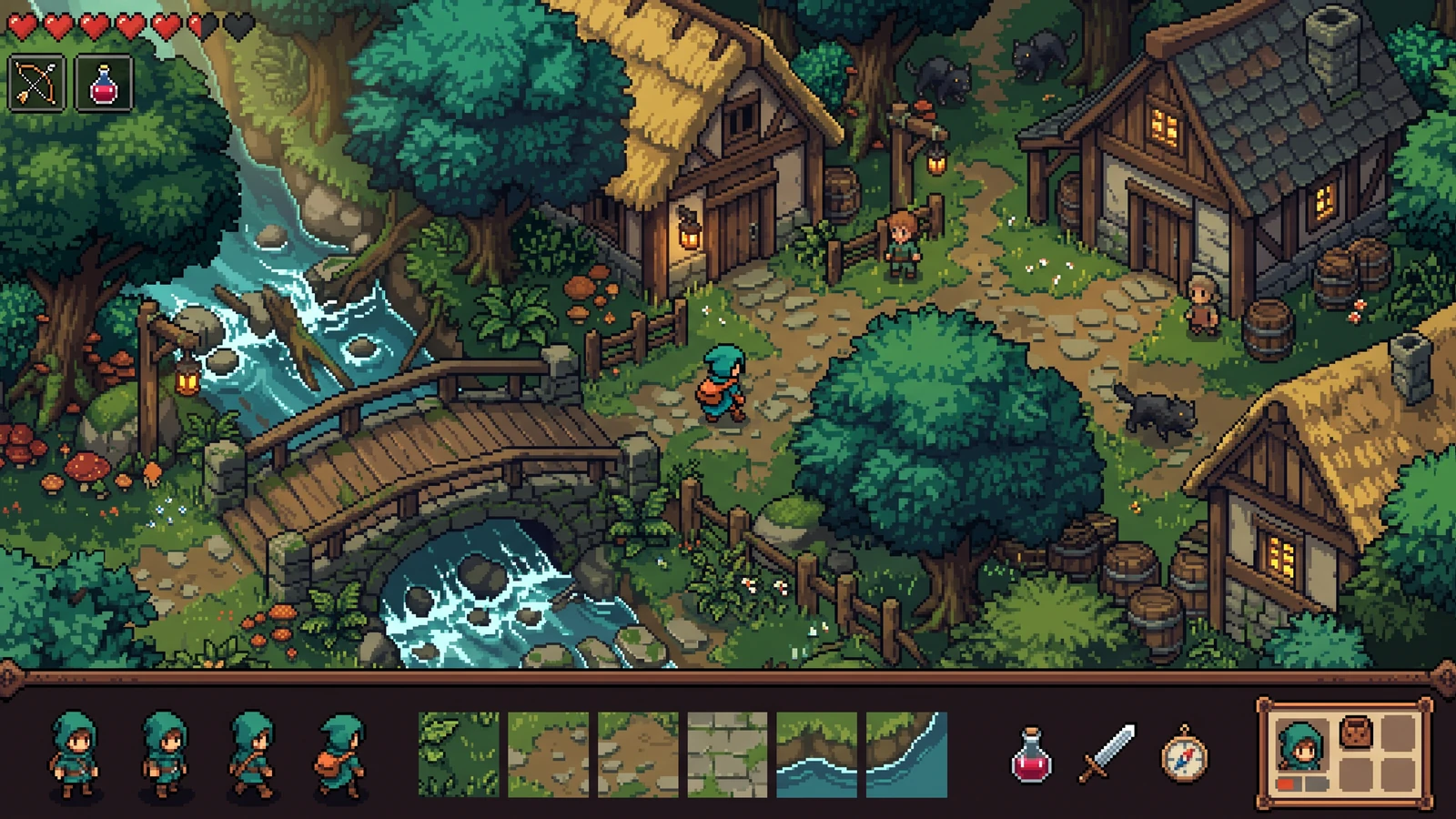
پورے game میں ایک ہی art direction
playable scene کو اس کے characters، terrain، items، اور interface کے ساتھ ایک مربوط design کے طور پر review کریں۔
Compare four inventory item silhouettes
ایک واضح input استعمال کریں، output دیکھیں، اور اگلا قدم چننے سے پہلے موجودہ limits چیک کریں۔
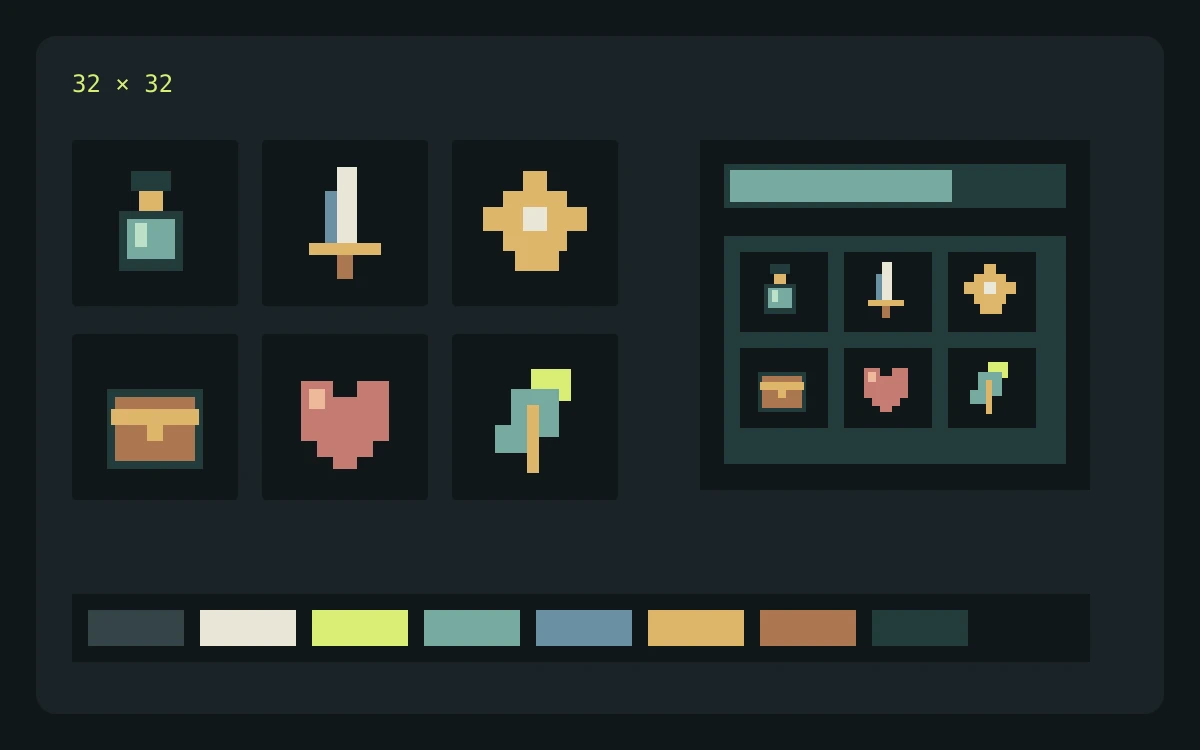
مثالی input
List a cloud rake, windmill key, rain bottle, and brass compass. Ask for one consistent view, outline weight, and background treatment.
کیا چیک کریں
- Enter the brief, choose the game profile, pixel-size target, and palette target, then review the credit cost before generating.
- Inspect the returned concept at the scale where it will appear in your game. Check edges, silhouette, color consistency, and unwanted details.
- Download the concept for review. Prepare and check actual frames, tiles, or components separately before importing them into a game.
متوقع output
Inspect the concept inside mock inventory slots. Identify items that need redrawing before exporting separate icons or packing an atlas.
موجودہ حدود
The current Labs preview returns one concept image. Requested pixel dimensions and palette size guide the prompt; separated frames, exact colors, seamless tiles, layers, and engine metadata are not guaranteed.
سرکاری workflow حوالہ جات
اپنا import تیار کرتے وقت engine یا editor documentation ضرور دیکھیں۔ یہ sources file اور playback behavior کی وضاحت کرتے ہیں، PixelBox کی توثیق نہیں۔
Publisher اور support
مواد اپ ڈیٹ ہو گیا:
LlamaGen کے ذریعے شائع اور maintained۔ یہ صفحہ PixelBox کے موجودہ controls اور export formats کی وضاحت کرتا ہے۔ غلط معلومات یا export مسئلے کے لیے team سے رابطہ کریں۔
تعمیر سے پہلے واضح شرائط طے کریں۔
کیا میں assets کو commercial game میں استعمال کر سکتا ہوں؟
تجارتی استعمال آپ کے LlamaGen plan کے terms اور آپ کے prompts اور uploaded references کے حقوق پر منحصر ہے۔ شائع کرنے سے پہلے موجودہ Terms of Service ضرور دیکھیں، اور اپنی source files اور export records محفوظ رکھیں۔
موجودہ Labs preview کیا دیتا ہے؟
یہ visual direction جانچنے کے لیے ایک concept image واپس دیتا ہے۔ یہ ابھی separated frames، tiles، layers، component states، یا engine metadata کی ضمانت نہیں دیتا۔
میں structured character pack کہاں بنا اور review کر سکتا ہوں؟
PixelBox Character Studio 4-direction Idle، Walk، اور Attack workflow کو clip review، playable validation، portable PNG اور JSON، اور تیار شدہ Godot 4 اور Unity import files کے ساتھ support کرتا ہے۔