Multi-file input
Add up to 64 PNG, JPG, or WebP frames per selection.
Arrange up to 64 sprite frames in a uniform-grid atlas and export matching JSON coordinates.
No. Up to 64 frames stay in the browser and are arranged in a uniform grid. You get a PNG atlas plus JSON coordinates; frames are not trimmed or rotated.
This utility runs in your browser. Your files stay on your device and no generation credits are used.
The utility runs locally. Your artwork is not uploaded and no credits are used.
Explore gameplay, handheld use, and coordinated designs. These AI-generated concepts illustrate visual possibilities; review your own assets and engine imports before shipping.
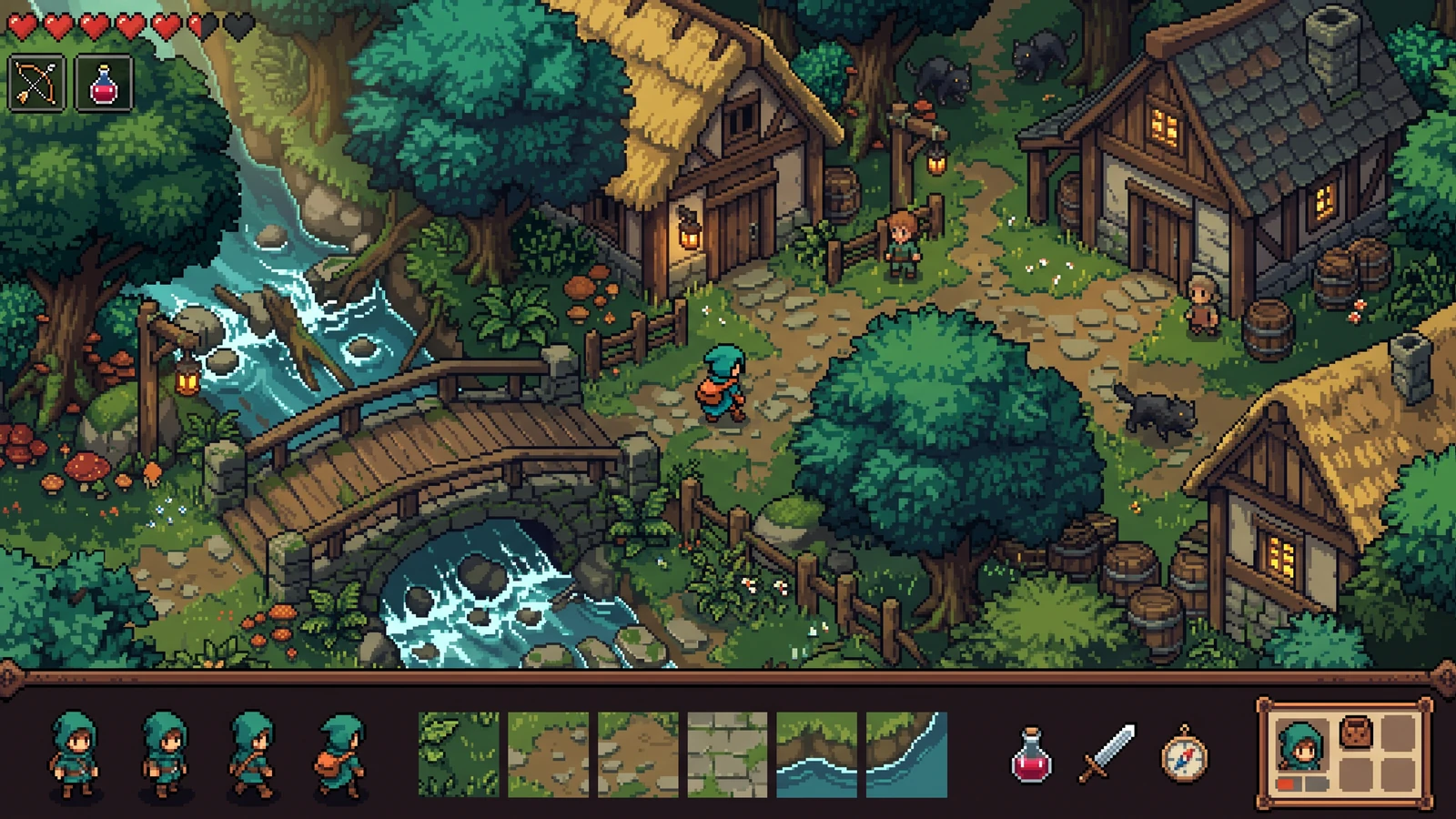
Review the playable scene beside its characters, terrain, items, and interface as one coordinated design.
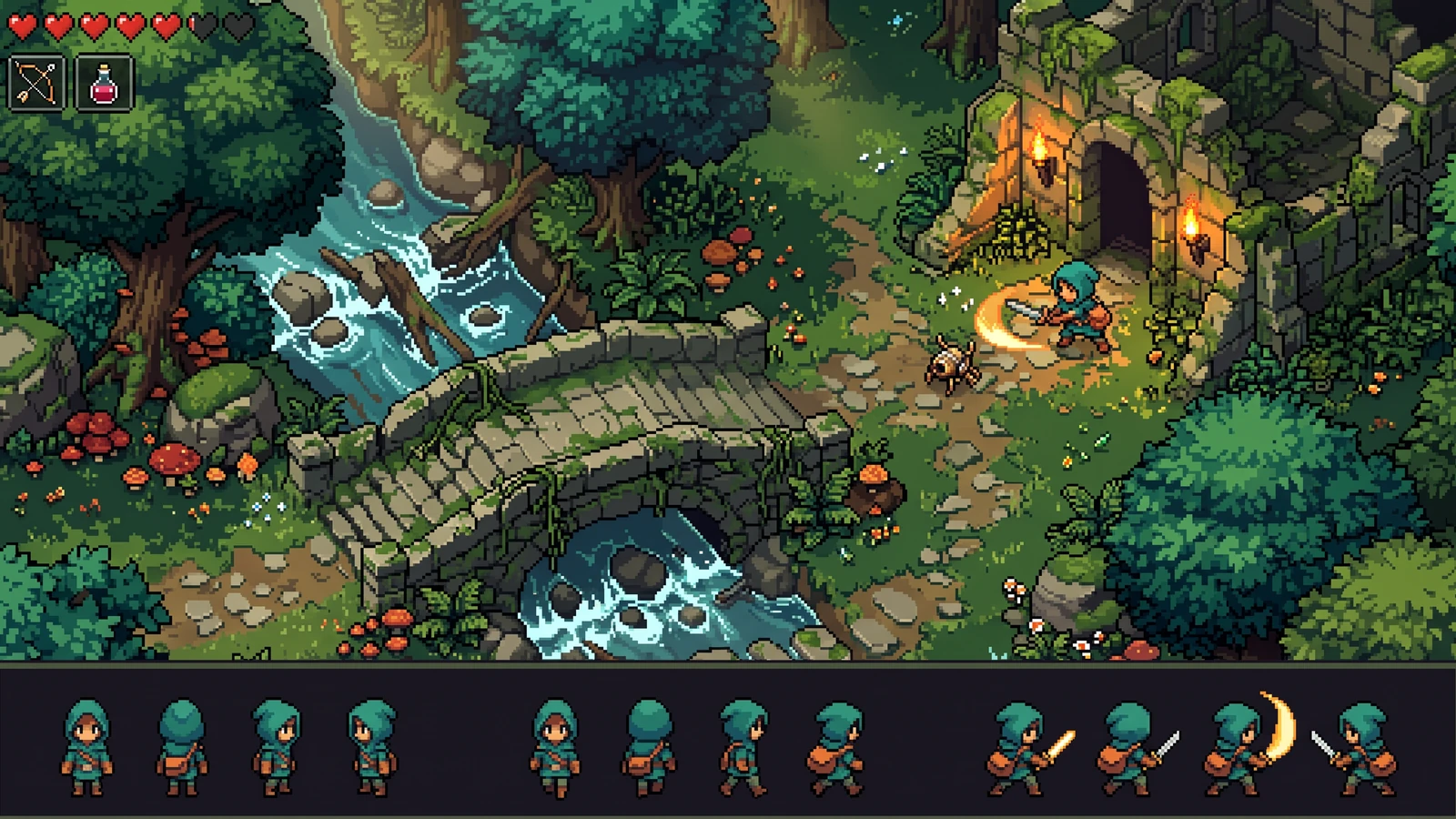
Compare the character's proportions, colors, and action silhouettes with the world around it.
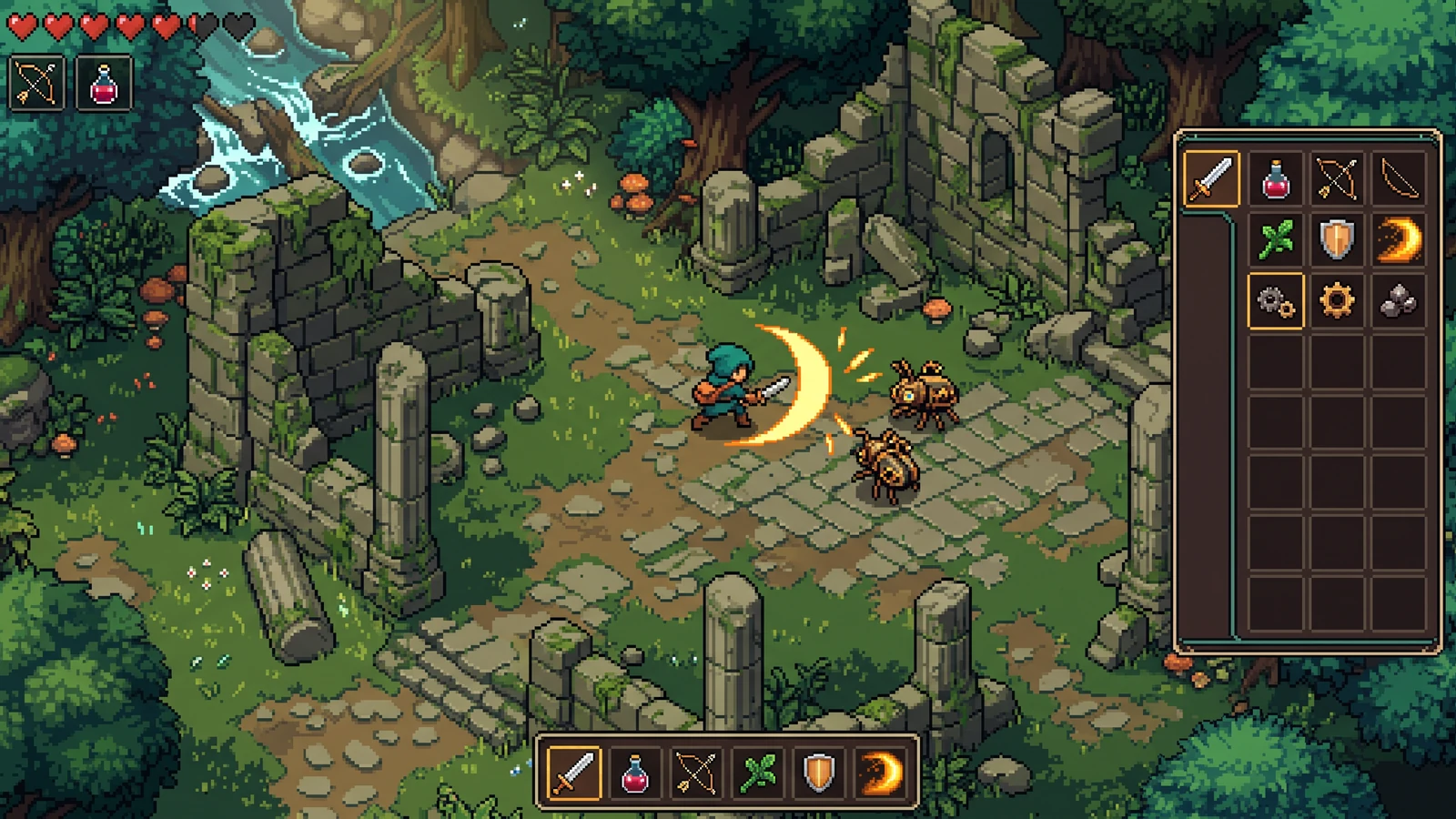
Judge effect visibility, item icons, and interface contrast during the same gameplay moment.
Use a concrete input, inspect the output, and check the current limits before choosing your next step.
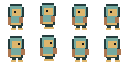
Download and unzip the eight demo frames below. Each transparent PNG is 32 × 32 pixels.
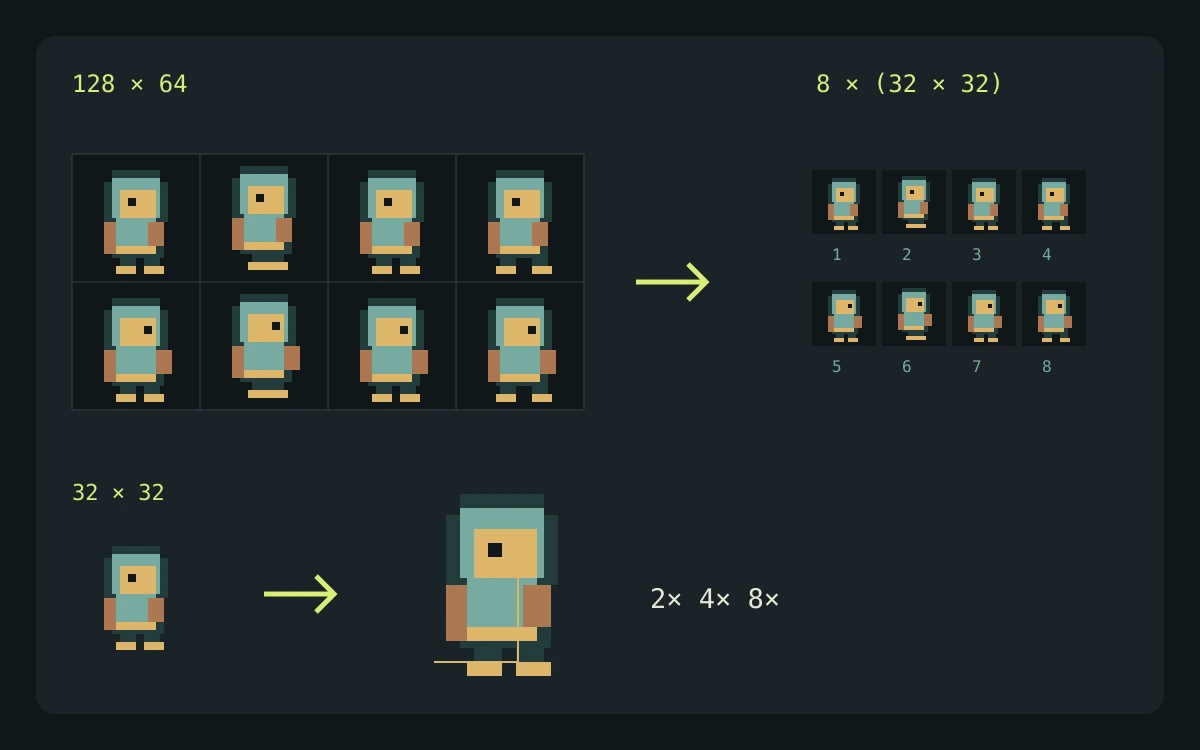
Eight 32 × 32 inputs at four columns produce a 128 × 64 PNG atlas plus JSON frame coordinates.
The local packer uses a uniform grid sized to the largest input, accepts up to 64 files, and preserves frame bounds. It does not trim, rotate, add padding, or perform optimal bin packing.
Check the engine or editor documentation when preparing your own import. These sources describe file and playback behavior, not an endorsement of PixelBox.
Content updated:
Published and maintained by LlamaGen. This page describes current PixelBox controls and export formats. Contact the team about incorrect information or an export problem.
Add up to 64 PNG, JPG, or WebP frames per selection.
Choose a column count. Every cell uses the largest input width and height, and frames keep their original size.
Export frame names, coordinates, and dimensions as JSON.
Select your animation or asset PNG files in sequence.
Set the atlas layout and inspect the generated preview.
Download the atlas PNG and its JSON coordinates.
No. Packing runs in your browser and the files stay on your device.
The export contains an image name, atlas dimensions, and frame objects with x, y, width, and height. Give every frame a unique file name so each JSON entry stays distinct.
No. The grid packer preserves original frame bounds and does not rotate frames or optimize empty space. Use the sprite sheet slicer when you need its trimming and padding controls.