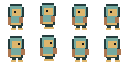
Personažo projekto specifikacija
Prieš generuojant pirmą kryptį, užrakinkite pikselių dydį, paletę, kontūrą, kamerą, šviesą ir žemės atkarpą.
Patvirtinkite keturias kryptis, sukurkite 12 peržiūrimų Idle, Walk ir Attack klipų, išbandykite judėjimą naršyklėje ir tada eksportuokite PNG, JSON, Godot 4 arba Unity failus.
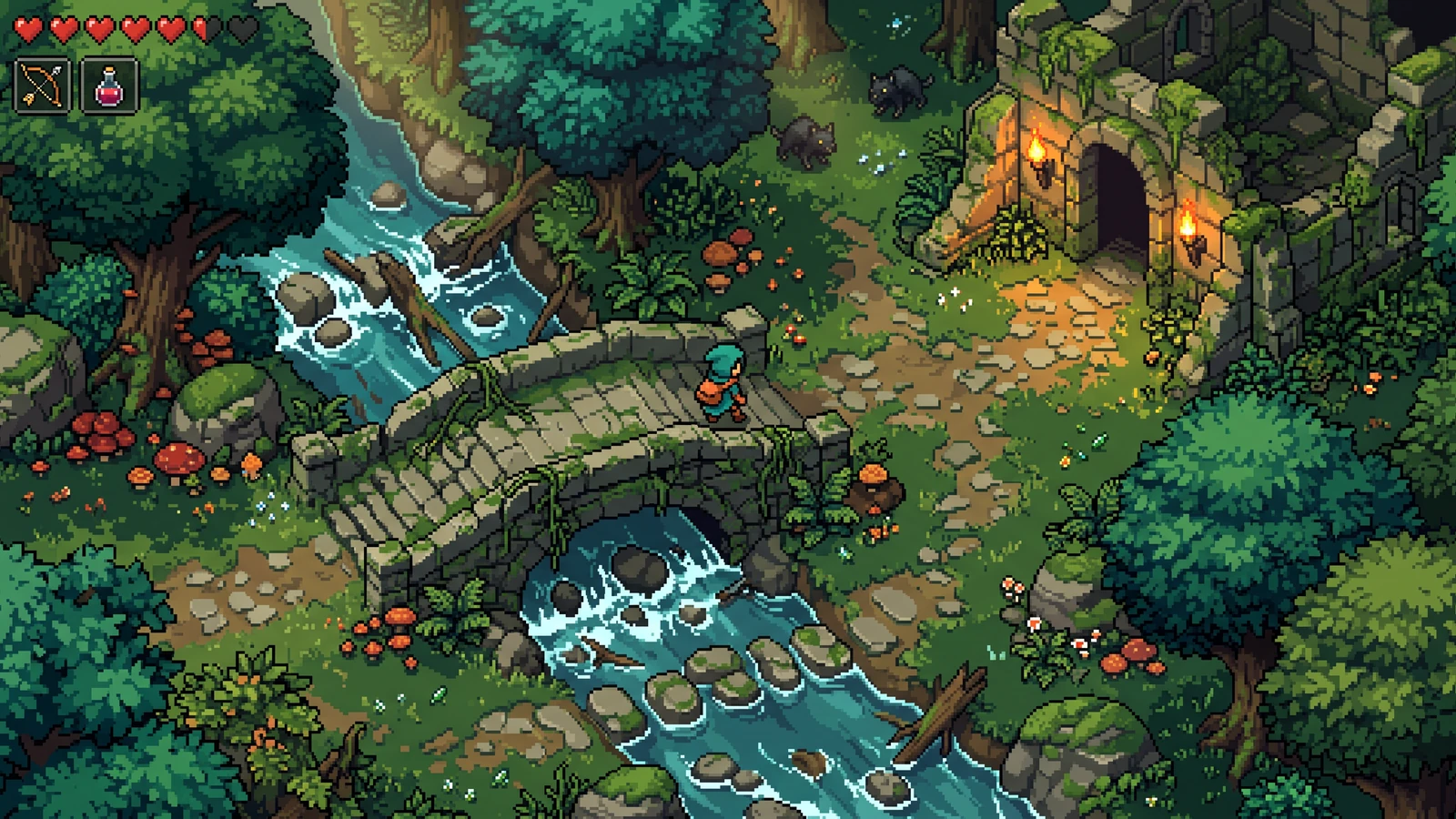
Išnagrinėkite žaidimo eigą, naudojimą rankoje laikomame įrenginyje ir suderintus dizainus. Šios DI sugeneruotos koncepcijos iliustruoja vizualias galimybes; prieš paleidžiant peržiūrėkite savo išteklius ir importus į variklį.
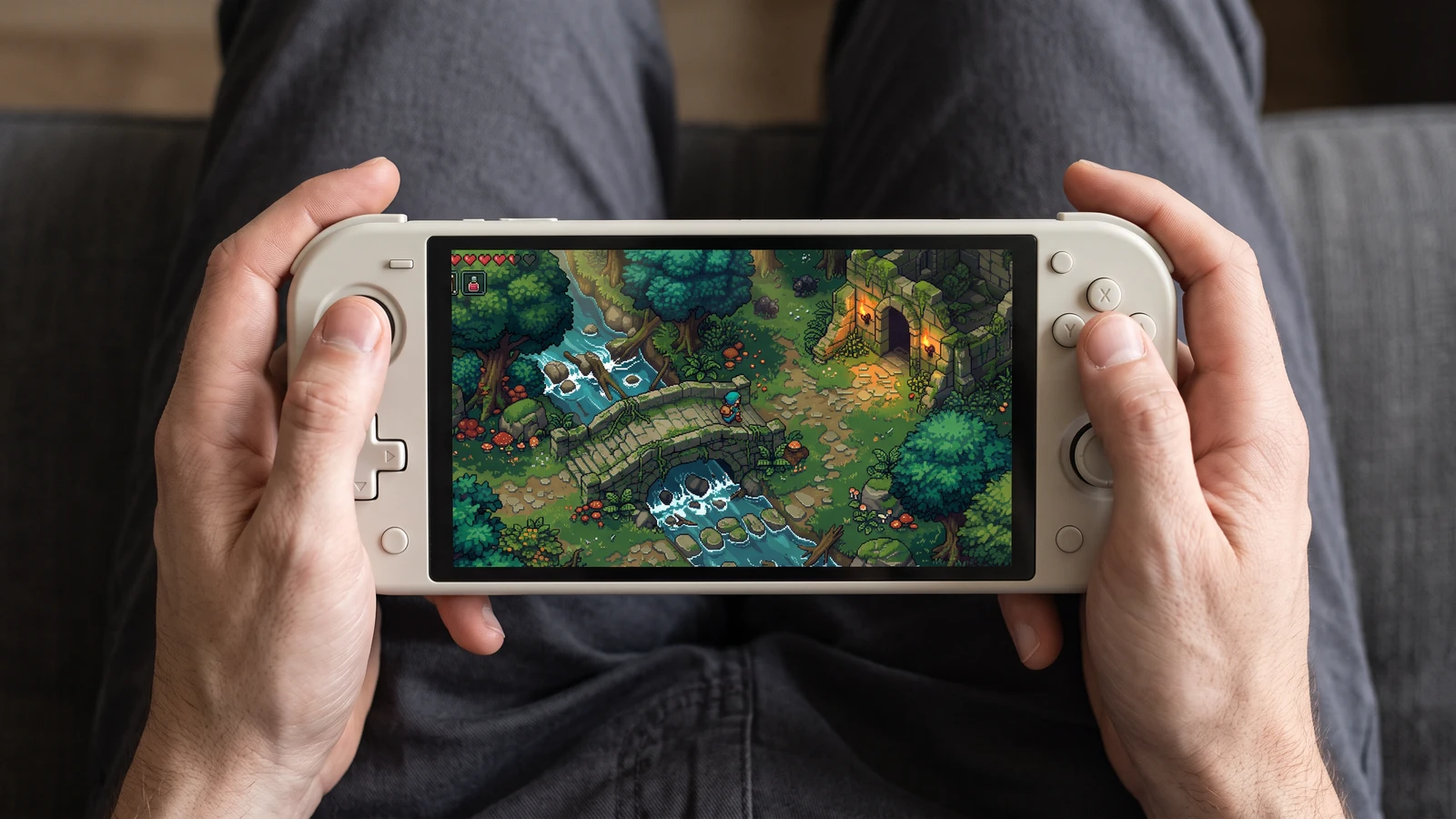
Patikrinkite, kaip ta pati žaidimo scena atrodo nešiojamame ekrane — nuo veikėjo iki mažiausių sąsajos piktogramų.
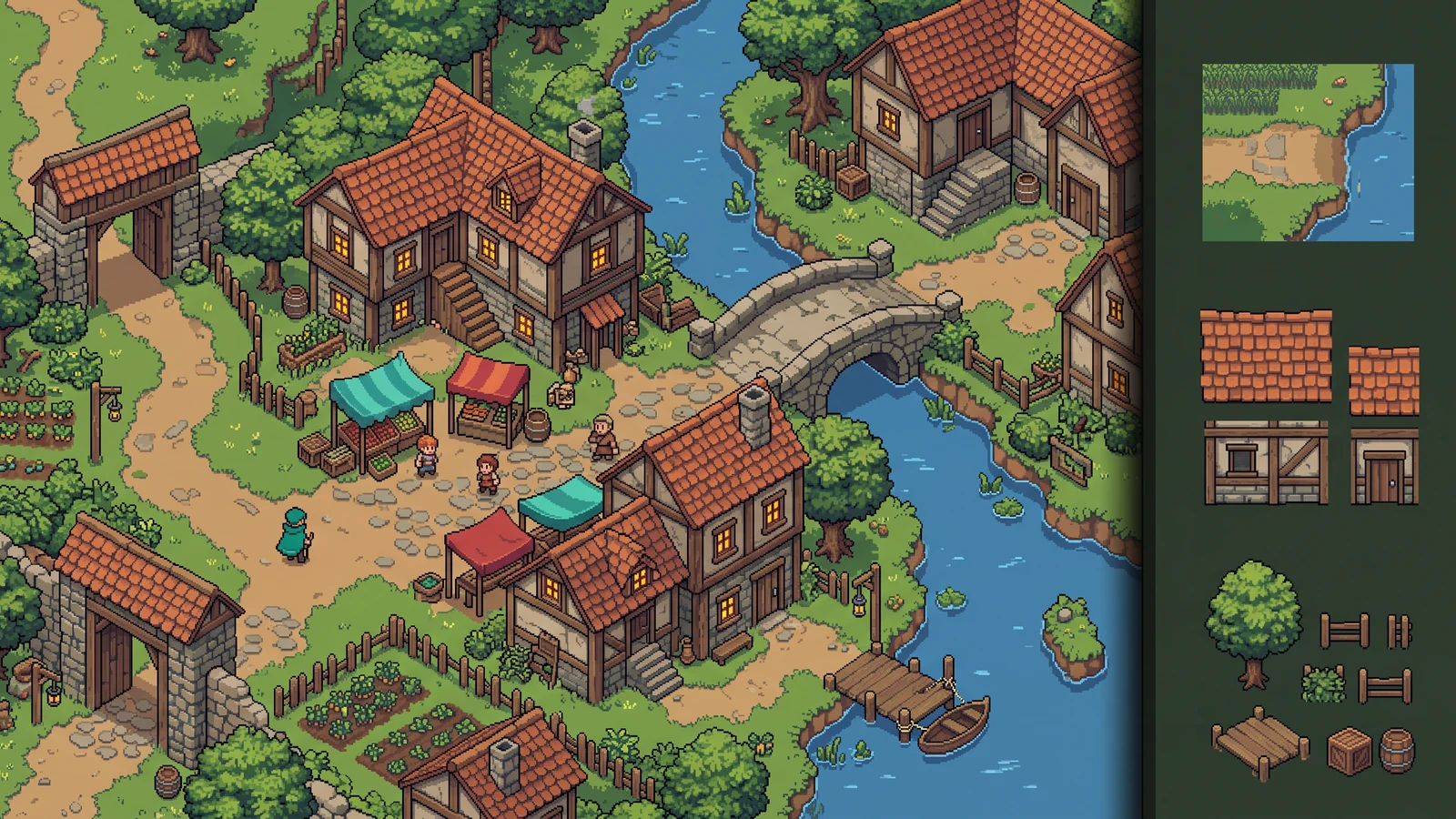
Įvertinkite, kaip reljefas, pastatai ir dekoracijos kartu sukuria gyvą lygį.
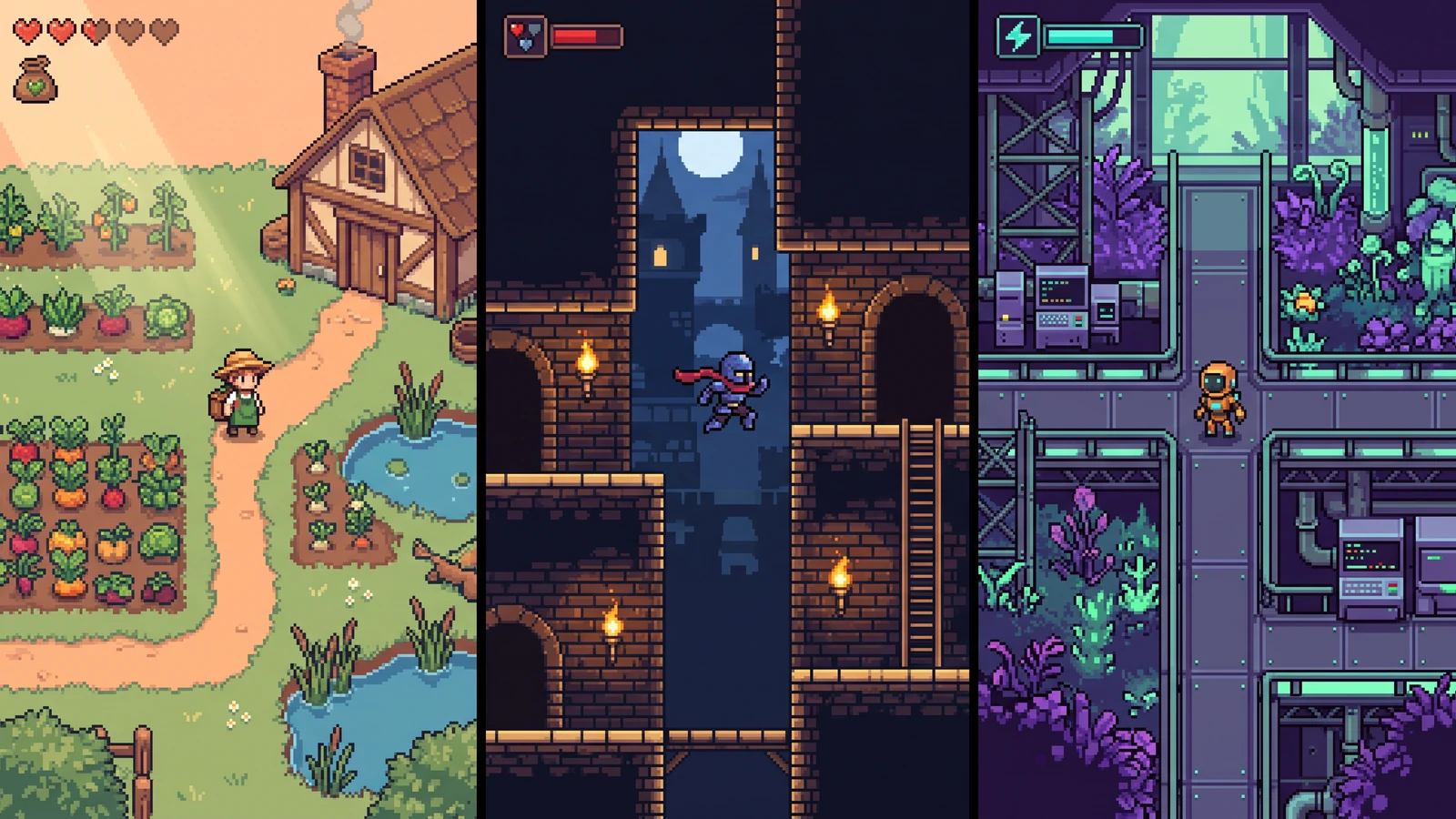
Palyginkite skirtingus veikėjų dizainus jiems skirtuose žaidimų pasauliuose.
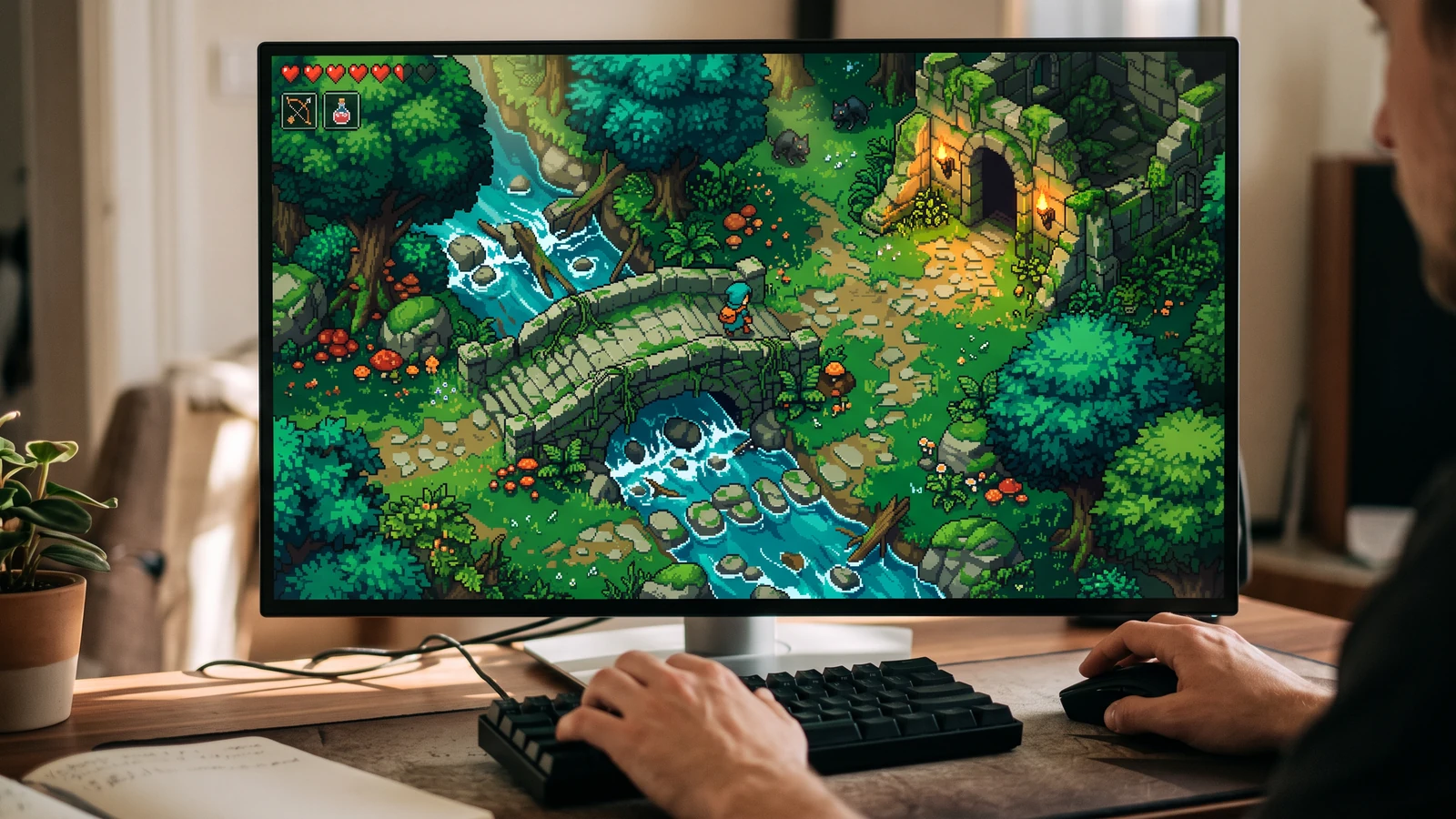
Matykite veikėją, pasaulį ir sąsają kartu didelio ekrano žaidimo dydžiu.
Prieš generuojant pirmą kryptį, užrakinkite pikselių dydį, paletę, kontūrą, kamerą, šviesą ir žemės atkarpą.
Naudokite konkretų įvesties failą, peržiūrėkite rezultatą ir patikrinkite dabartinius apribojimus prieš rinkdamiesi kitą žingsnį.
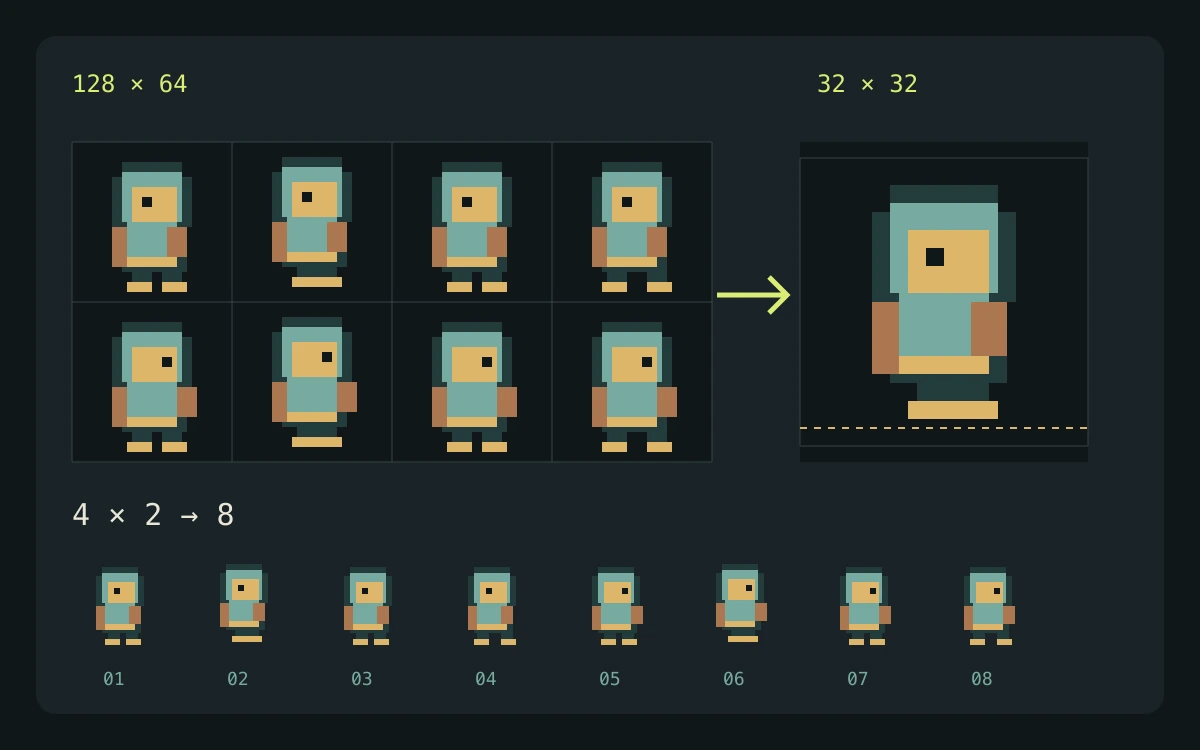
Pradėkite nuo atsisiunčiamo aštuonių kadrų demonstracinio rinkinio arba atsineškite grafiką, kurią turite teisę naudoti.
Pakartojama vietinė darbo eiga su žinomu šaltinio tinkleliu, aiškiais išvesties matmenimis ir peržiūrimais failais.
Vietiniai įrankiai transformuoja esamą grafiką. Labs tyrinėja koncepcijas, o Character Studio suteikia atskirą struktūruotą personažų darbo procesą; kiekvieną rezultatą vis tiek reikia peržiūrėti jūsų žaidimui.
Ruošdami savo importą, peržiūrėkite variklio arba redaktoriaus dokumentaciją. Šie šaltiniai aprašo failų ir atkūrimo elgseną, o ne PixelBox rekomendaciją.
Turinys atnaujintas:
Paskelbė ir prižiūri LlamaGen. Šiame puslapyje aprašomi dabartiniai PixelBox valdikliai ir eksporto formatai. Dėl netikslios informacijos ar eksporto problemos susisiekite su komanda.
Naudokite specializuotą įrankį vienai užduočiai. Kai projektas išauga, perkelkite jo rezultatą į bendrą PixelBox workspace.
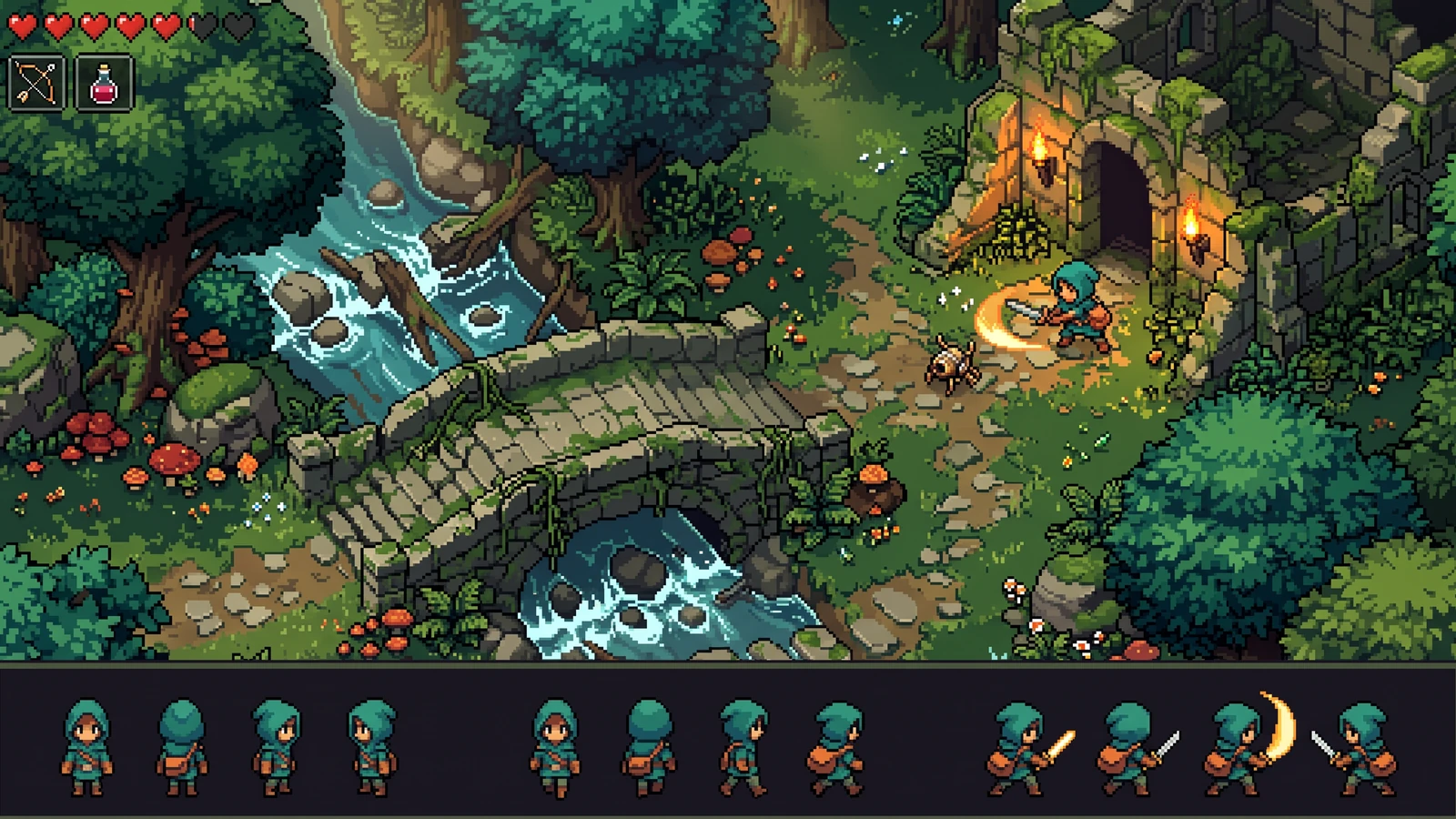
Peržiūrėkite vieną pikselių animacijos koncepciją, tada tęskite Character Studio ir gaukite peržiūrėtą 4 krypčių sprite paketą su eksportu į Godot arba Unity.
Peržiūra: AI sprite lakštų generatoriusIšnagrinėkite 8 vaizdų pikselinio personažo koncepciją top-down RPG žaidimams. Labs pateikia vieną paveikslą; nuoseklias kryptis ir atskirtus animacijos kadrus reikia peržiūrėti rankiniu būdu.
Peržiūra: 8 krypčių sprite generatoriusIšnagrinėkite pikselinio personažo siluetą ir aprangą viename Labs koncepcijos paveiksle. Prašomi pikselių dydžiai padeda formuoti užklausą; prieš animaciją Character Studio peržiūrėkite rezultatą.
Peržiūra: AI pikselinių personažų generatoriusIšnagrinėkite pikselinį reljefą, kraštus ir kampus viename Labs koncepcijos paveiksle. Nėra vientiso plytelių kartojimo, atskirtų plytelių, reljefo taisyklių ir variklio metaduomenų.
Peržiūra: AI plytelių rinkinio generatoriusKurkite naršyklėje veikiantį plytelių žemėlapį, sužymėkite maršrutus ir susitikimus, tada eksportuokite tvarkingą žemėlapio peržiūrą.
Naudoti: Pikselių žemėlapio kūrimo įrankisPeržiūrėkite iš viršaus matomo RPG interjerus, takus ir rekvizitus viename Labs koncepciniame vaizde. RPG Maker išdėstymai, plytelių matmenys ir reljefo metaduomenys turi būti paruošti rankiniu būdu.
Peržiūra: RPG plytelių rinkinio generatorius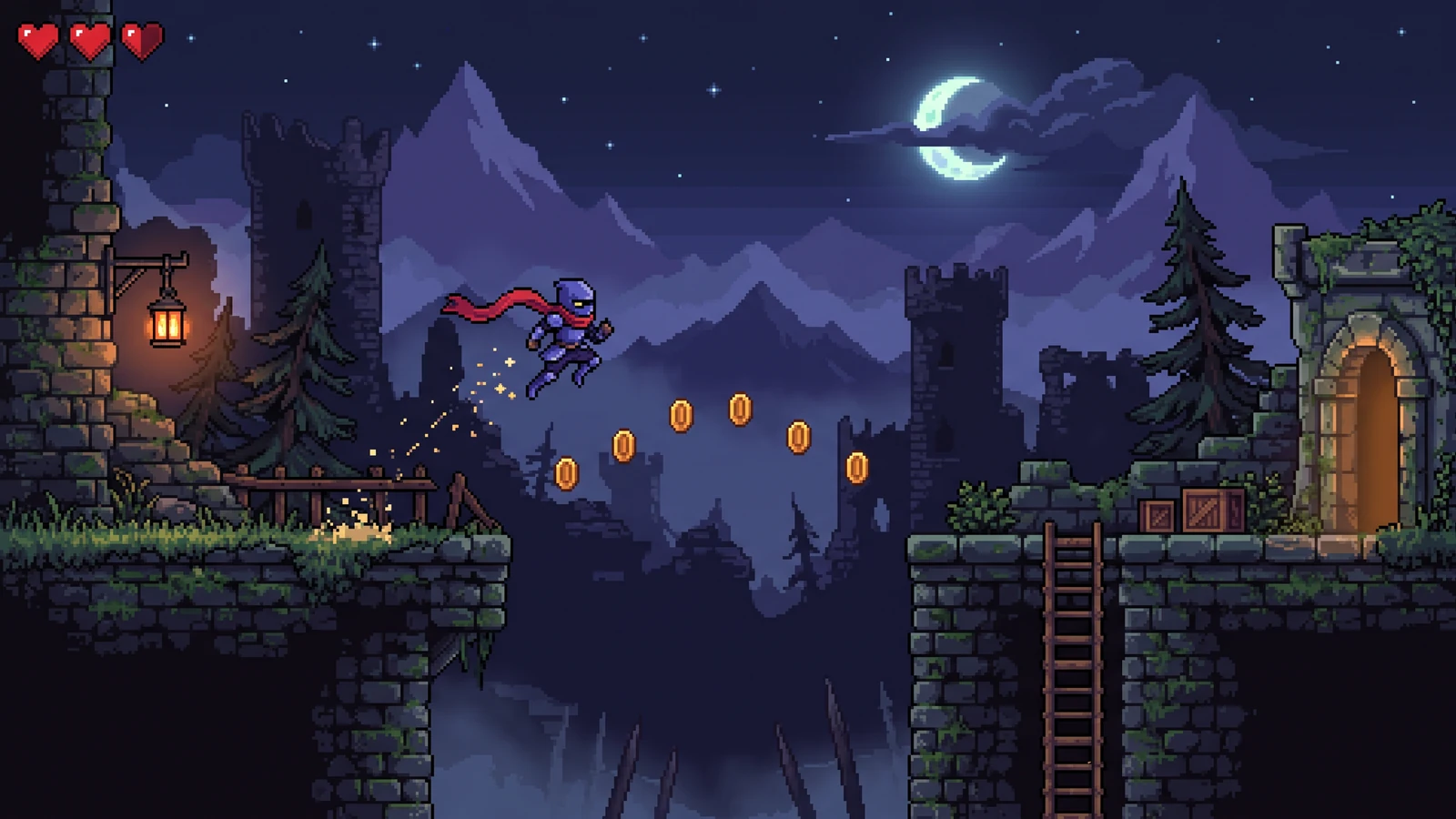
Išnagrinėkite pikselinio žaidimo fonus ir kovos scenas viename Labs koncepcijos paveiksle. Atskiri paralakso sluoksniai ir skaidrūs priekinio plano eksportai neįtraukiami.
Peržiūra: Pikselių fono generatorius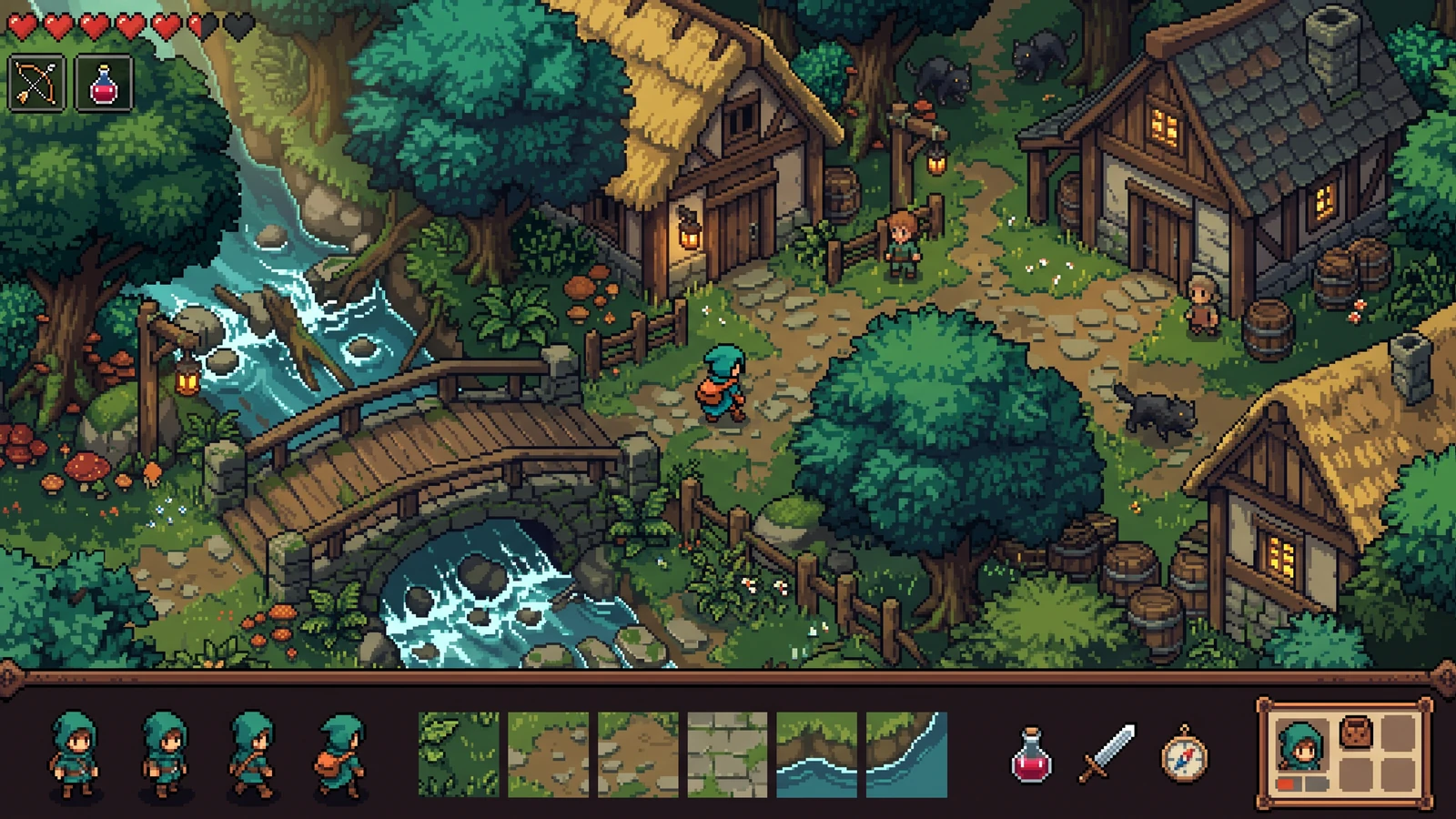
Suplanuokite nuoseklų pikselių žaidimo išteklių rinkinį — veikėjus, plyteles, daiktus, UI ir VFX — remdamiesi vienu pasaulio aprašymu. Šiandien tai koncepcijos lapas; gamybiniai veikėjų paketai pateikiami Studio.
Peržiūra: Pikselių žaidimo išteklių generatorius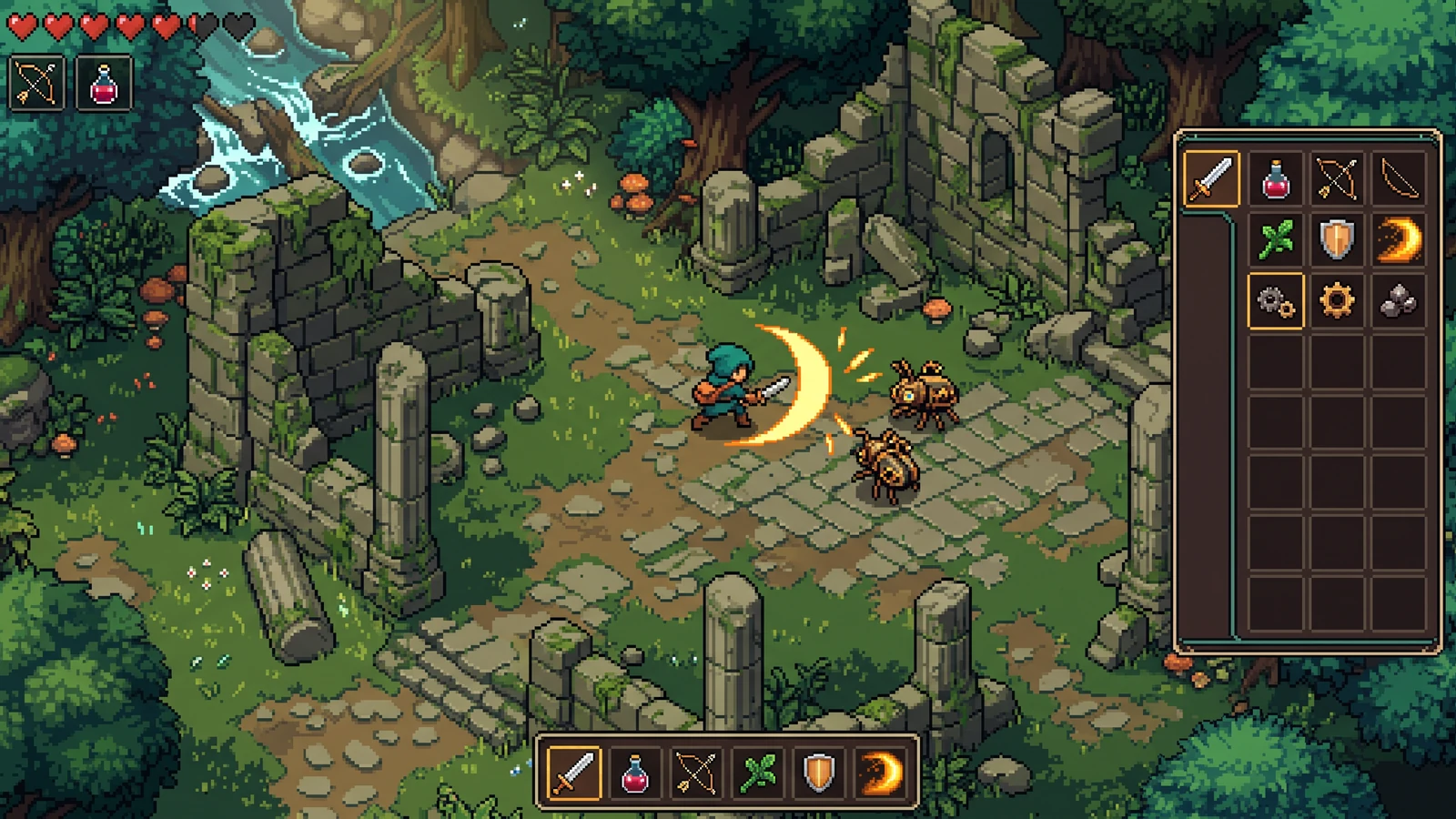
Generuokite suderintus pikselinius ginklus, mikstūras, maistą ir užduočių piktogramas inventoriaus masteliu. Labs šiuo metu grąžina vieną daiktų šeimos koncepcinį vaizdą.
Peržiūra: Pikselių daiktų generatorius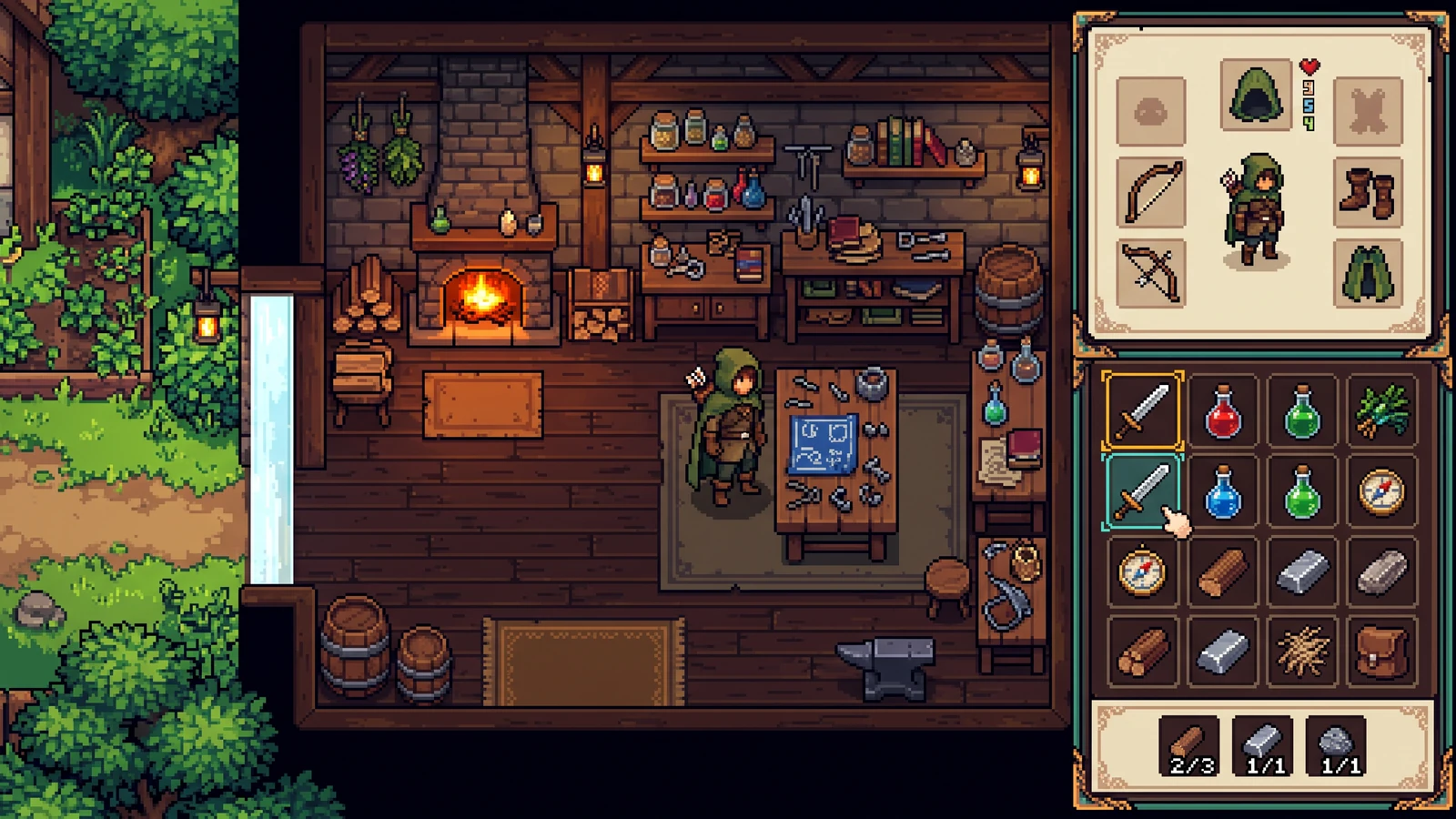
Kurkite pikselinio žaidimo UI rinkinius — HUD skydelius, mygtukus, gyvybės juostas, inventoriaus langelius ir dialogų langus. Gyvas Labs rezultatas yra viena sąsajos koncepcija.
Peržiūra: Pikselių sąsajos generatoriusGeneruokite aiškiai skaitomus pikselinius VFX smūgiams, magijai, sprogimams ir orams. Peržiūrėkite vieną efekto koncepciją, tada paruoštus lapus supjaustykite nemokamu pjaustytuvu.
Peržiūra: Pikselių VFX generatoriusPaverskite esamą sprite sheet į peržiūrėtus animacijos kadrus, supakuotą atlasą ir Godot arba Unity paruoštus failus neįkeldami savo kūrinio.
Naudoti: Sprite sheet pjaustytuvasIšdėliokite iki 64 sprite kadrų vienodo tinklelio atlase ir eksportuokite atitinkamas JSON koordinates.
Naudoti: Sprite sheet pakavimo įrankisPadidinkite pikselių meną naudodami 2×, 4× arba 8× artimiausio kaimyno nustatymus. Kiekvienas išvesties matmuo ribojamas iki 8192 pikselių.
Naudoti: Pikselių mastelio keitimo įrankisIštraukite praktišką spalvų paletę iš paveikslo, peržiūrėkite HEX reikšmes ir kopijuokite spalvas į savo žaidimo darbo eigą.
Naudoti: Pikselių paletės generatorius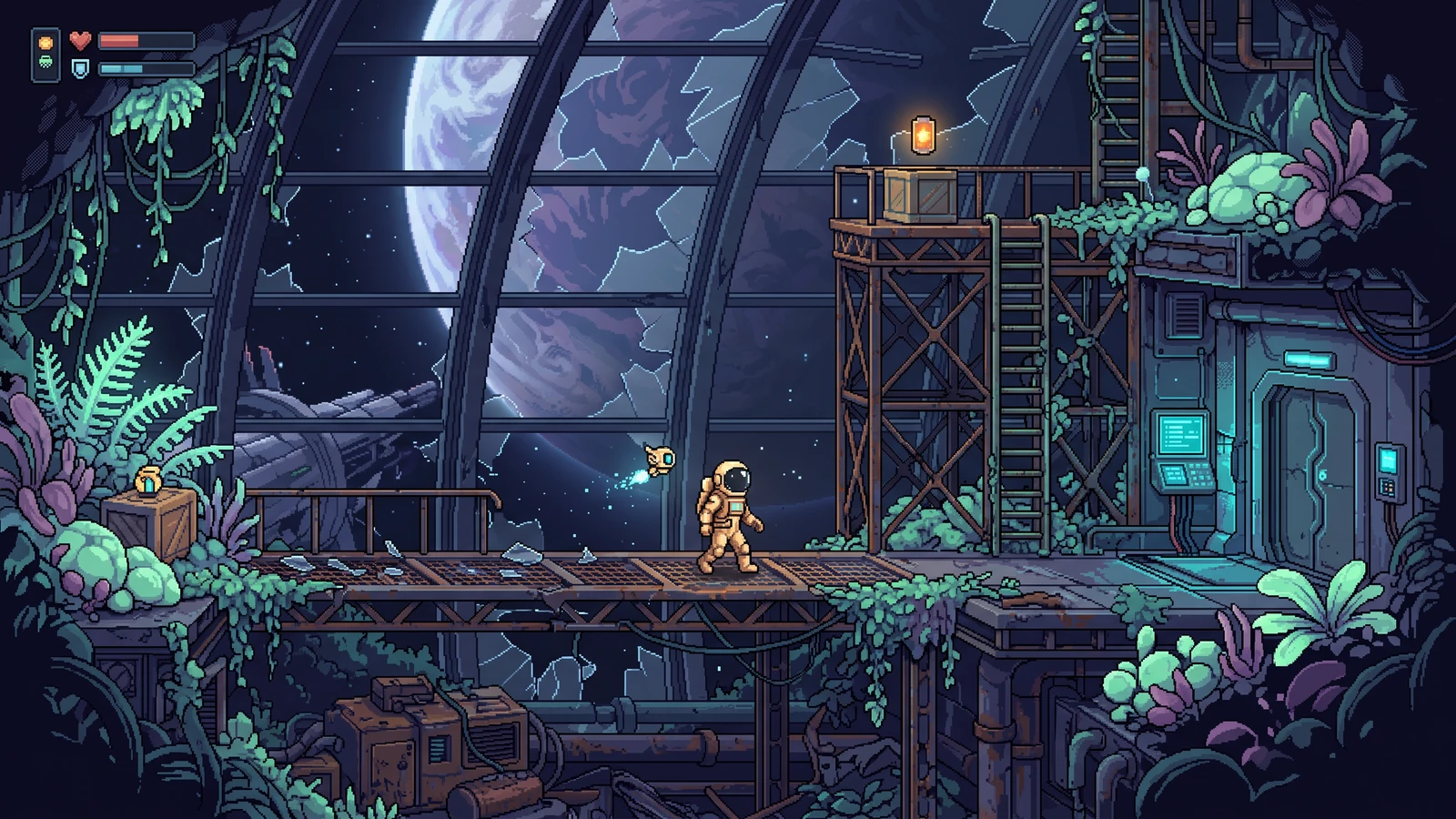
Paverskite nuotrauką ar iliustraciją mažos raiškos tinkleliu su apytiksliu RGB spalvų sumažinimu ir ryškiu PNG padidinimu.
Naudoti: Paveikslėlio į pikselinį meną konverterisCharacter Studio yra gamybinė darbo eiga. Visa kita, pažymėta Labs, yra vieno vaizdo koncepcijos peržiūra, kol patvirtinami jos atskiri valdikliai ir eksportai.
Sukurti peržiūrėtą personažąDydis · paletė · inkaras
PARUOŠTA4 tapatybės · rankinis patvirtinimas
PARUOŠTARamybė · ėjimas · ataka
PARUOŠTAStruktūriniai patikrinimai · rankinis priėmimas / atmetimas
PARUOŠTAJudėjimas · ataka · atkarpa
PARUOŠTAPNG · JSON · Godot 4 · Unity
PARUOŠTAKaina rodoma prieš kiekvieną DI paleidimą. Peržiūra, vietiniai pataisymai, žaidžiamumo patvirtinimas, PNG/JSON ir variklio eksportai nesukelia papildomo mokamo barjero. Koncepcijos peržiūra naudoja 150 kreditų, o pirmasis personažo sukūrimas – 300 kreditų, su nuoroda arba be jos. Naujos paskyros pradeda su 600 prisiregistravimo kreditų: šis kelias sunaudoja 450 ir palieka 150. Regeneravimas naudoja papildomų kreditų. Projekto istorija šiuo metu lieka šiame naršyklės lange, todėl svarbų darbą eksportuokite kaip atsarginę kopiją.
Studija žaidimams paruoštam pikselių darbui: Character Studio pateikia peržiūrėtus sprite paketus, nemokami įrankiai vietoje pjausto ir pakuoja lakštus, o Labs puslapiai peržiūroje rodo plytelių rinkinius, daiktus, sąsają ir VFX kaip vieną koncepcijos vaizdą.
Pradėkite nuo AI sprite sheet generatoriaus, supjaustykite esamą grafiką sprite sheet pjaustytuve arba perskaitykite geriausių pikselių žaidimų įrankių 2026 gidą prieš pasirinkdami workflow. Godot ir Unity komandos taip pat gali naudoti atskirus variklių gidus.